
7 Best Personal Security Devices to Protect Yourself from Fraud

Aura Identity Theft Protection
All-in-One Digital Safety
Monitors credit reports, bank accounts, and personal info
Fast fraud alerts with up to $5M identity theft insurance
Includes VPN, antivirus, and password manager for extra security

YubiKey 5 Series Security Key
Phishing-Proof Login
Hardware key for two-factor authentication (FIDO2, U2F)
Works with 1000+ services (Google, Microsoft, password managers)
Durable, waterproof, no batteries needed

Norton Mobile Security App
Phone Scam Defender
Real-time malware and web phishing protection for smartphones
Unlimited VPN for secure Wi-Fi and an App Advisor for risky apps
AI-based SMS/call scam detection to block fraudulent messages

The Ridge RFID-Blocking Wallet
Secure Minimalist Wallet
Blocks RFID signals to stop wireless credit card theft
Slim metal design holds up to 12 cards with a cash strap or clip
Built to last (titanium/aluminum options) with a lifetime warranty

Skim Scan Card Skimmer Detector
ATM and Gas Pump Shield
Pocket-sized device finds hidden skimmers in card slots
Detects deep-insert and overlay skimmers in ATMs, gas pumps, etc
Simple LED and audio alert. No installation, just insert and check

Amazon Basics 8-Sheet Micro-Cut Shredder
Handy tool to destroy Sensitive Docs
High-security micro-cut shredding turns papers into confetti
Shreds credit cards and CDs to protect personal data
Easy to empty pull-out bin; affordable, quiet, and home-friendly

Privacy.com Virtual Cards
Masks Your Payment Details
Generates unique virtual card numbers to hide your real card info
Lock each virtual card to one merchant; useless if stolen elsewhere
Set spending limits and pause or close cards anytime for control
Aura Identity Theft Protection
All-in-One Digital Safety
Monitors credit reports, bank accounts, and personal info
Fast fraud alerts with up to $5M identity theft insurance
Includes VPN, antivirus, and password manager for extra security

Aura is a one-stop identity theft protection service that keeps a vigilant eye on your personal and financial information across the digital world. If someone tries to open a fraudulent loan in your name or your data shows up on the dark web, Aura will send you an instant alert, often much faster than the competition. It continuously monitors all three credit bureaus, your bank and investment accounts, your social security number, and more for signs of fraud. This means you don’t have to manually check credit reports or bank statements; Aura’s got you covered with 24/7 tracking and up to $1–5 million in insurance to cover any losses if identity theft does occur. For an everyday consumer, that kind of financial guarantee and rapid notification can provide huge peace of mind.
What sets Aura apart is that it isn’t just monitoring; it also helps secure your digital life proactively. Every plan comes with a suite of cybersecurity tools, including an antivirus, a virtual private network (VPN), and even a password manager. In practice, this means Aura can shield your devices from malware, keep your Wi-Fi browsing encrypted, and manage your login passwords, reducing your exposure to hackers. It even offers features like email aliasing and a Privacy Assistant that automatically requests data brokers remove your personal info from their databases. All of these extras add layers of protection beyond credit monitoring. Aura is designed for consumers who want an easy, all-in-one defense against fraud. You sign up, install the app, and it works quietly in the background. If a data breach or strange credit inquiry happens, you’ll get an alert on your phone and guidance on next steps. With its fast alerts and extensive coverage (from dark web scanning to home title monitoring), Aura is like having a personal security team on-call, making it a top choice if you want maximum fraud protection with minimal effort.
Phishing-Proof Login
Hardware key for two-factor authentication (FIDO2, U2F)
Works with 1000+ services (Google, Microsoft, password managers)
Durable, waterproof, no batteries needed
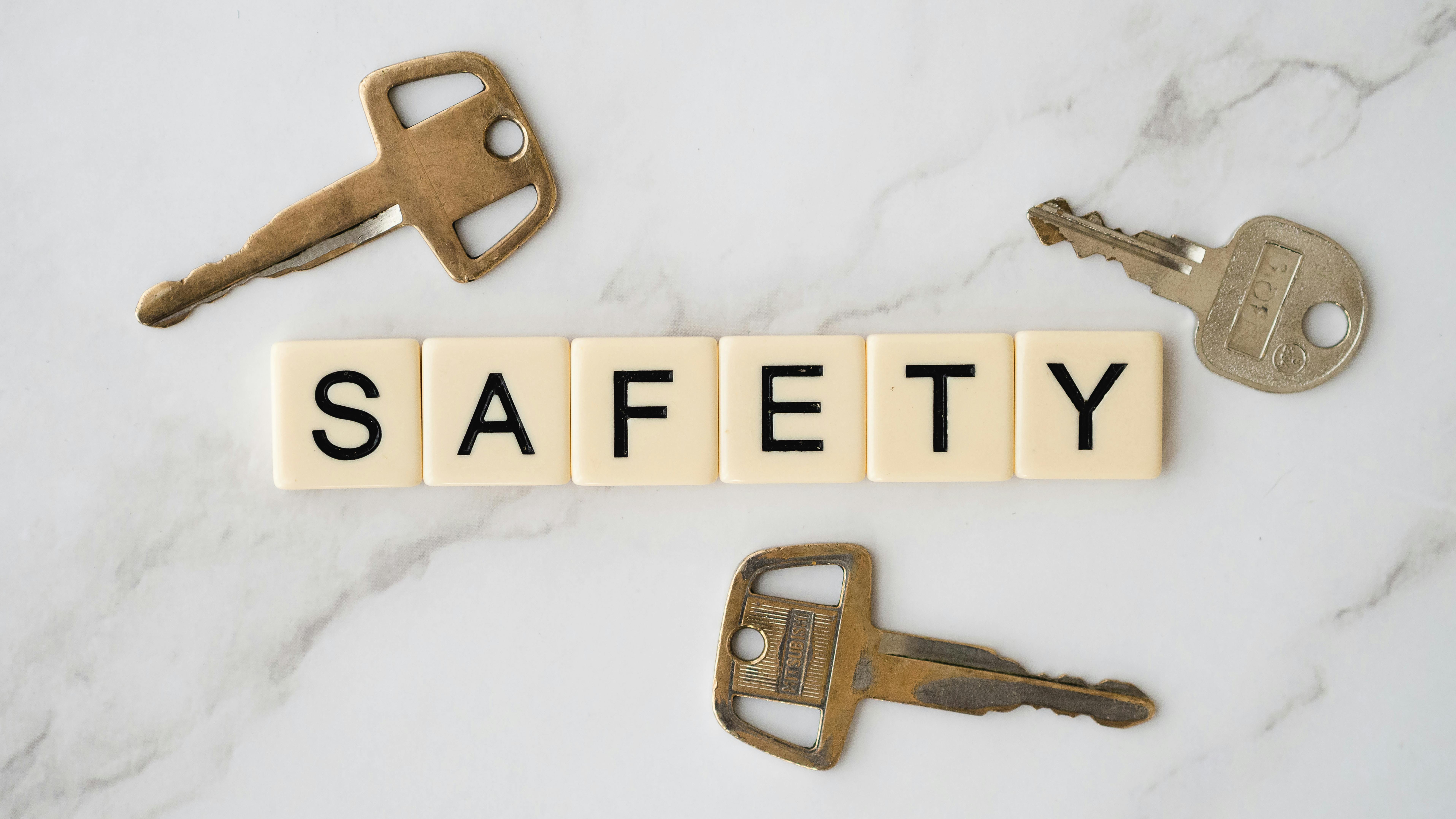
The YubiKey 5 Series is a small but mighty device that significantly upgrades the security of your online accounts. It’s a hardware security key used for two-factor or multi-factor authentication. In other words, it serves as a physical “second lock” on your accounts beyond just passwords. Here’s how it works: when you log in to an account (email, bank, social media, etc.), you plug the YubiKey into your USB port or tap it on your phone (it has NFC for wireless use) to prove it’s really you. Without the YubiKey, a hacker who somehow stole your password still can’t get into your account. This stops phishing and account takeovers cold, because a scammer on the other side of the world has no way to replicate your physical key. It’s like needing a specific car key to start a car; even if a thief knows the model, they can’t drive off without the key in hand.
One of the reasons the YubiKey 5 is so popular is its broad compatibility. It’s supported by over 1,000 services and apps, including Google, Microsoft, Facebook, Twitter, Dropbox, Coinbase, LastPass, and many more. It also supports multiple security protocols (like FIDO2/WebAuthn for passwordless login, OTP, smart card, and others), so it can work with both old and cutting-edge authentication systems. For you, the user, this just means you can use one YubiKey to secure almost all your important accounts. Setting it up is straightforward - typically, you add it as a 2FA method in an account’s security settings, and from then on, you’ll touch the key when logging in. The device is rugged and reliable too: it’s water-resistant, crush-resistant, has no batteries or moving parts, and is built to last (manufactured in the USA/Sweden with high-quality components). Many people carry it on their keychain and never worry about it getting damaged. If you’re someone who reuses passwords or worries about data breaches, a YubiKey provides an extra layer of defense that hackers can’t easily bypass. It’s one of the most effective tools to protect against fraud on your email, bank, and other sensitive accounts.
Phone Scam Defender
Real-time malware and web phishing protection for smartphones
Unlimited VPN for secure Wi-Fi and an App Advisor for risky apps
AI-based SMS/call scam detection to block fraudulent messages
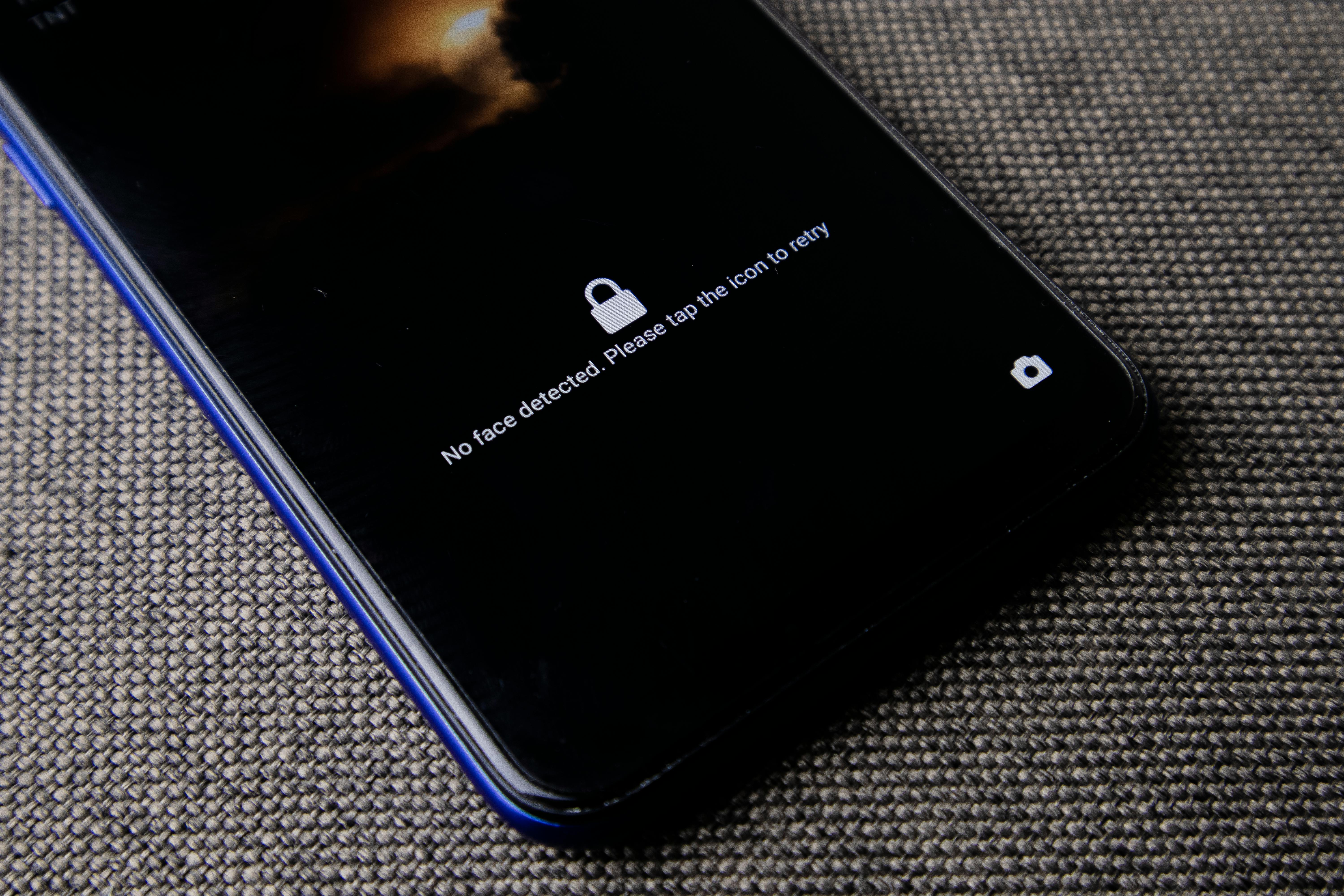
Our phones are often the hub of our digital lives and increasingly a target for fraud. Norton Mobile Security is an app designed to protect your smartphone (Android or iPhone) from the myriad of threats out there, from malware to phishing attempts. If you’ve ever clicked a sketchy link or gotten an odd text message, you know how easy it is to stumble into trouble on mobile. Norton acts as a virtual bodyguard for your phone. It runs in the background to provide real-time antivirus protection, scanning apps and downloads for any malware or spyware that could steal your data. It also checks websites you visit and will warn or block you if a site is known to be fraudulent or trying to phish your information (for example, a fake banking login page). This is huge for preventing fraud because so many scams start with a deceptive link and Norton helps ensure you don’t fall into those traps.
Another standout feature is Norton’s AI-powered scam call and text protection. The app can automatically identify and flag potentially fraudulent calls or SMS messages (like those “urgent warranty” robocalls or phishing texts pretending to be your bank). By filtering these out or warning you, it reduces the chance you’ll even engage with a scammer. Additionally, Norton Mobile Security includes an unlimited VPN (virtual private network) as part of the package. Whenever you’re on public Wi-Fi, you can turn on the VPN with a tap. It encrypts your internet connection so that eavesdroppers can’t steal sensitive info like passwords or credit card numbers. It basically scrambles your data to keep it private. The app also features an App Advisor that checks apps for privacy risks (letting you know if an app is overly invasive or known for leaking data). For around the price of a couple of coffees per month, you get a whole suite of protections in one place. If you use your phone for banking, shopping, and email (and who doesn’t?), an app like Norton Mobile Security can significantly reduce your risk of fraud by catching threats early and blocking common attack routes. It’s a set-it-and-forget-it kind of tool; very little technical know-how required which makes it ideal for everyday users who just want their phone to be safer.
Secure Minimalist Wallet
Blocks RFID signals to stop wireless credit card theft
Slim metal design holds up to 12 cards with a cash strap or clip
Built to last (titanium/aluminum options) with a lifetime warranty
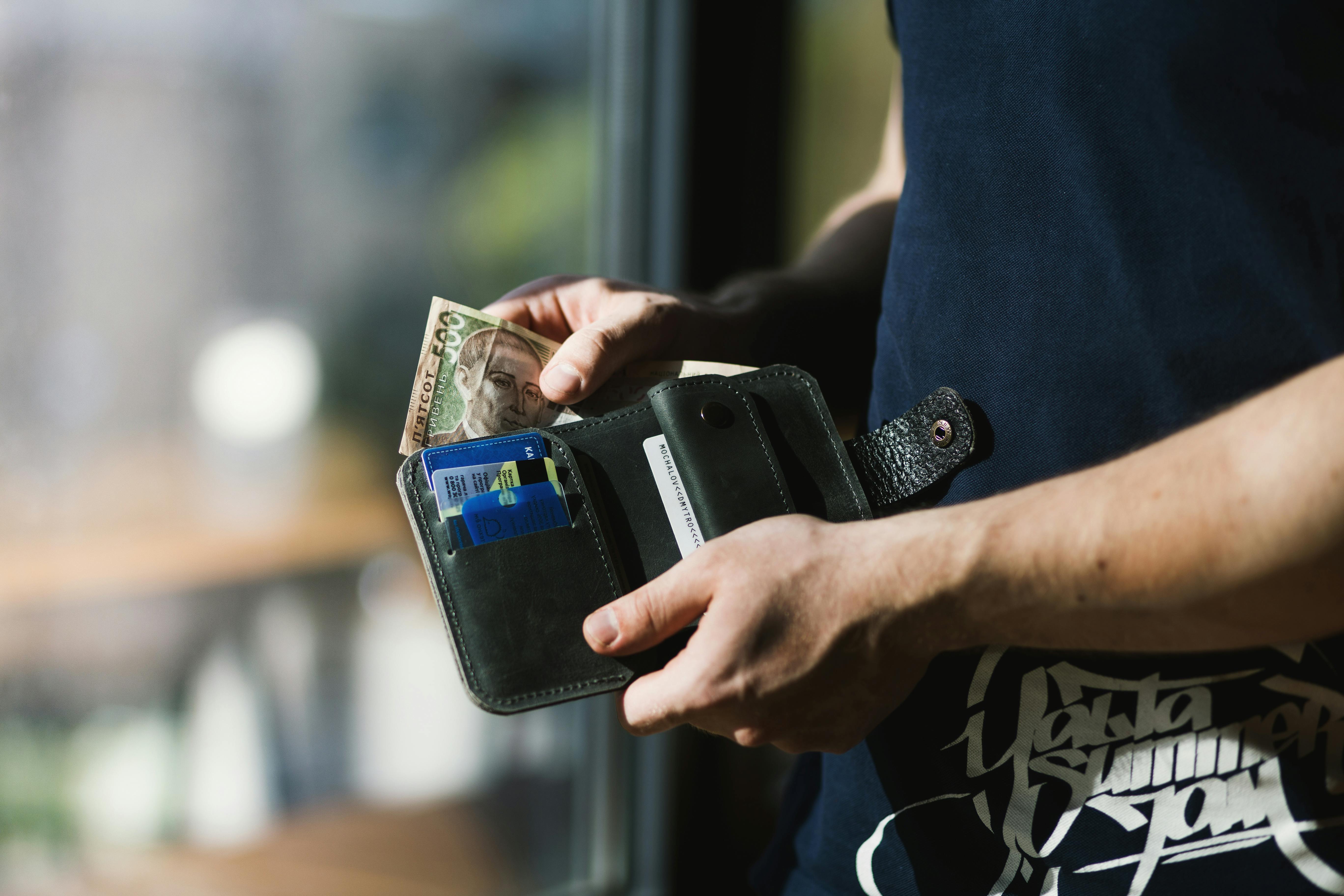
The Ridge Wallet is more than just a sleek accessory; it’s a security upgrade for the cards you carry every day. This minimalist wallet is built with two metal plates (titanium, aluminum, or carbon fiber) and an elastic band to hold your cards, and those metal plates serve an important purpose: they block RFID signals. Why does that matter? Many credit and debit cards, passports, and even work IDs have RFID or NFC chips that allow contactless scanning. Unfortunately, thieves can exploit this by using portable scanners (sometimes called skimmers) to read your card’s info right through your purse or pocket, a form of electronic pickpocketing. With the Ridge Wallet, when your cards are enclosed between its metal plates, those radio signals can’t penetrate, meaning fraudsters can’t secretly scan your card numbers or sensitive data. It creates a physical barrier to one of the more high-tech forms of identity theft.
Beyond RFID blocking, the Ridge is simply a well-designed wallet for security and durability. Its slim profile means you’re likely to carry it in a front pocket, which is much safer from pickpockets than a back pocket wallet. It holds up to 12 cards snugly, which is plenty for most people’s essential credit, debit, ID, and insurance cards. There’s also a cash strap or money clip for a few bills. Originally a Kickstarter project, it’s now sold to over 3 million customers and comes with a lifetime guarantee on materials. The metal won’t wear out like leather does, and it’s even designed to survive drops or impacts without your cards falling out. For consumers, that means buying one wallet and using it for years, which not only saves money in the long run but also ensures you’re consistently protected by its RFID shield. Users often note that switching to a Ridge Wallet helped them declutter (no more hoarding receipts and random cards) and gave them peace of mind that their card data is safe in crowded places like malls or public transit. In short, the Ridge Wallet makes sure that only you can access your cards, and it does so in a stylish, no-nonsense way built for everyday carry.
ATM and Gas Pump Shield
Pocket-sized device finds hidden skimmers in card slots
Detects deep-insert and overlay skimmers in ATMs, gas pumps, etc
Simple LED and audio alert. No installation, just insert and check

Card skimming at ATMs and gas station pumps is a serious problem, costing consumers and banks billions in fraud each year. The criminals attach nearly-invisible devices over or inside the card slots to steal your card’s magnetic stripe data (and often a tiny camera to grab your PIN). The Skim Scan detector by Berkeley Varitronics Systems is a pocket-sized gadget that lets you check if a machine has been tampered with before you use your card. It’s wonderfully straightforward: you insert the Skim Scan into the card reader slot of an ATM or gas pump, then pull it out. If there’s a hidden skimmer lurking inside, the device’s LED lights and beeper will alert you immediately. Essentially, Skim Scan can sense the presence of those illegal skimmer read heads or overlays that aren’t part of the normal machine. If you get an alert, you know not to use that terminal (and you could notify the store or bank as well).
What makes Skim Scan user-friendly is that there’s no installation or technical setup at all. You don’t have to dismantle anything or use an app; just slide it in like you would a credit card. It works on any “dip” style card reader (where you insert and remove the card), which covers most ATMs, gas pumps, vending machines, and kiosk payment terminals. However, it’s not for chip-only or tap payments; it’s specifically targeting the places where skimmers are commonly inserted in the card slot. For a frequent traveler or even just a security-conscious person, carrying the Skim Scan can provide peace of mind when you’re about to withdraw cash or pay for gas. Think of it as scanning for traps: it saves you from sliding your card into a compromised machine in the first place. Since using Skim Scan literally takes only a few seconds, many people make it a habit - quickly check the ATM, and if it’s clean (no alerts), proceed as normal. Considering the average card skimmer can steal dozens of card numbers a day, having a Skim Scan is a proactive way to stay a step ahead of fraudsters at the places you wouldn’t normally suspect danger. It’s a small investment to potentially prevent a very big headache (dealing with drained bank accounts or card replacements).
Handy tool to destroy Sensitive Docs
High-security micro-cut shredding turns papers into confetti
Shreds credit cards and CDs to protect personal data
Easy to empty pull-out bin; affordable, quiet, and home-friendly
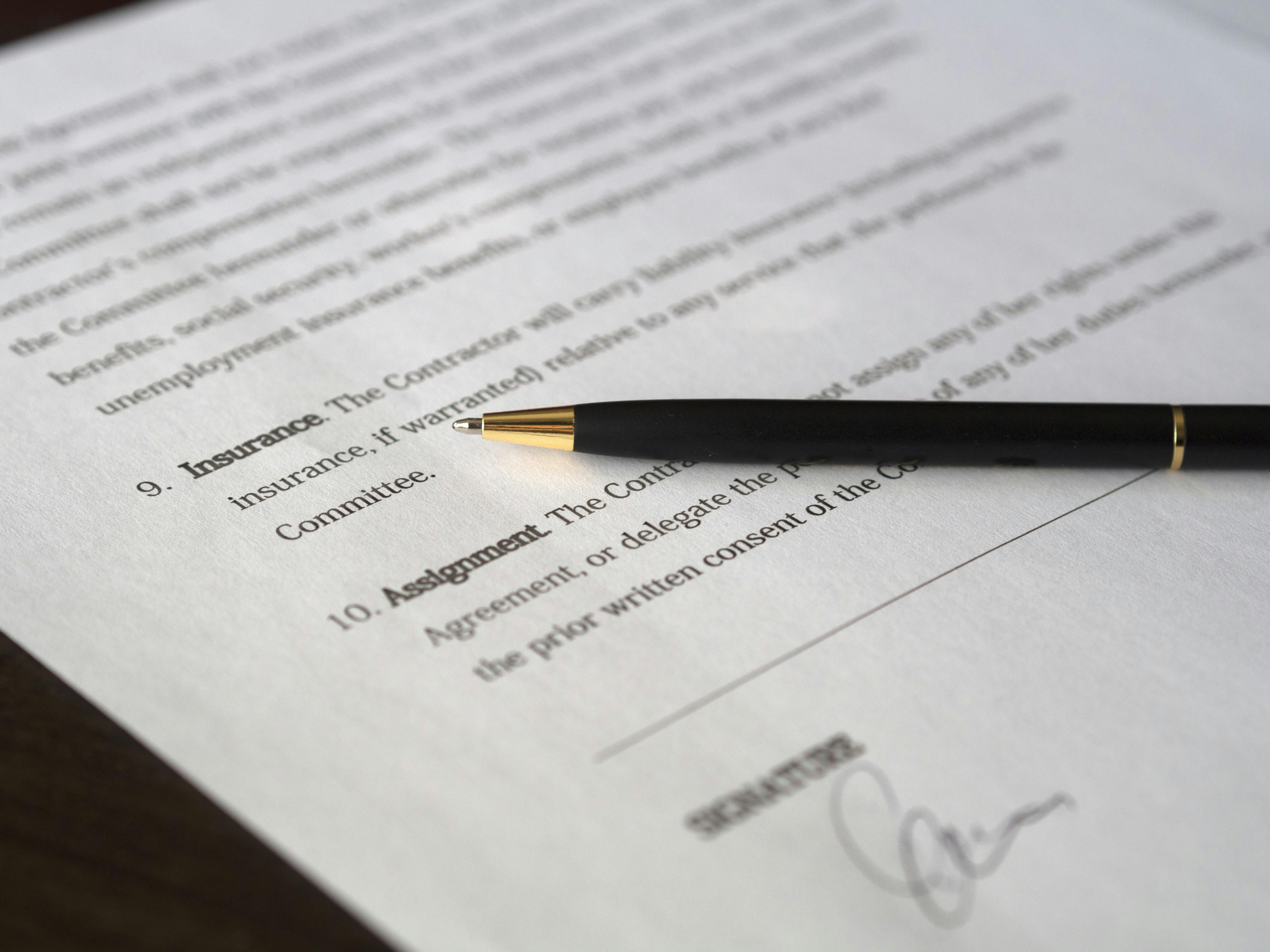
Even in our digital age, a lot of fraud and identity theft starts with old-fashioned paper. Thieves aren’t above dumpster diving to find bank statements, credit card offers, or any document with personal info. That’s where a good paper shredder comes in and the Amazon Basics 8-Sheet Micro-Cut Shredder is a top choice for home use because of its high security level and ease of use. This shredder uses a micro-cut mechanism, which basically chews paper into confetti measuring just 5/32 x 15/32 inches. In practical terms, that means anything you shred is irrecoverable. This model was rated a “Best Buy” by experts for offering advanced security at a budget price
For everyday users, it’s perfect for destroying things like bank statements, credit card bills, medical records, or even expired credit and debit cards. It handles up to 8 sheets of paper at a time and even has the muscle to shred credit cards and CDs (handy for disposing of old backup discs or obsolete IDs). Operation is straightforward: feed your documents in, and the machine automatically grinds them up and collects the bits in a pull-out bin. The Amazon Basics model has an easy-to-empty bin (3.8 gallons), so you’re not making a mess when disposing of the shreds. It’s also designed to be relatively quiet and jam-resistant for home use. One underrated benefit of regularly using a shredder is peace of mind: when you toss out shredded junk mail or old papers, you’re confident that nobody can glean personal details from your trash. It’s a simple habit that dramatically reduces one avenue of identity theft (no account numbers or social security numbers sitting intact in your recycling bin). Considering its modest cost, this micro-cut shredder is an excellent investment for fraud prevention. Pair it with a routine (for example, immediately shred any document with sensitive info after you no longer need it), and you’ve closed off a common security gap that many people overlook.
Masks Your Payment Details
Generates unique virtual card numbers to hide your real card info
Lock each virtual card to one merchant; useless if stolen elsewhere
Set spending limits and pause or close cards anytime for control
When you shop online or sign up for a service, you normally hand over your credit card info and hope it stays safe. Privacy.com flips that script by letting you use virtual cards so that you never expose your real card details. Think of it as a secure middleman for payments. Through Privacy.com, you generate a new virtual card number with a click. You can set it to have a monthly spending limit or even be a one-time use. Then you use that number to pay on a website or app. The merchant charges the virtual card, and Privacy.com charges your actual bank or card in the background. The beauty is, the website never sees your real card info, so if that site gets hacked or someone tries to misuse that card number, it won’t work anywhere else and can’t drain your actual account. Each Privacy card is unique and locked either to the first merchant you use it on or designated as single-use, meaning if a fraudster somehow copies it, it’ll be denied on any different site.
This gives consumers a powerful advantage over online fraud. For instance, if you sign up for a free trial with a virtual card, you can set a $1 limit on it. If the company tries to auto-bill you unexpectedly, it’ll fail (and you won’t get overcharged). Or say you’re buying from a small online shop you’re not 100% sure about, use a Privacy card and set the limit to exactly that purchase amount, so they can’t bill more. Privacy.com also lets you pause or close cards instantly through the app. If you suspect any issue or you’re done using a service, you can immediately deactivate that card number with no effect on your actual credit account. This is immensely easier than canceling a physical card and updating all your autopay accounts. And it’s free to use for domestic transactions (Privacy makes money via merchant fees, similar to how credit cards work). Essentially, Privacy.com gives you complete control over your online spending: you decide who can charge you, how much, and for how long. In a world of frequent data breaches and sketchy scam websites, using virtual cards means even if your payment data leaks, it won’t hurt you. It’s like giving out a copy of a key that you can change the locks on at any time. For anyone who does a lot of online shopping or free trial sign-ups, Privacy.com’s virtual cards are a no-brainer tool to protect against fraud and unauthorized charges.
Why Does Choosing the Right Personal Security Device Matter?
Choosing the right personal security device matters because not all threats or solutions are the same. Just like you wouldn’t use one padlock for every door, the right tool depends on what you’re protecting. A hardware key secures online accounts, while an RFID wallet guards against electronic pickpocketing. Picking the wrong one can create a false sense of safety.
The right device is also one you’ll actually use. It should fit your routine, lifestyle, and tech setup. A frequent traveler might need a VPN and skimmer detector, while a parent may prefer identity protection for the whole family. Matching tools to your real risks gives stronger, more efficient coverage without overlap. When your security devices integrate smoothly into daily life, staying safe feels effortless and brings genuine peace of mind.
How to Choose the Best Option for Your Needs
Assess Your Biggest Risks
Everyone faces different fraud risks based on lifestyle. Start by identifying where you’re most vulnerable. If you shop or bank online often, focus on tools like password managers, identity monitoring, or virtual cards. Frequent travelers or ATM users might benefit more from RFID-blocking wallets or skimmer detectors. Take stock of your habits—how often you carry sensitive documents, use public Wi-Fi, or receive suspicious calls. Aim to cover at least one digital risk (like account theft) and one physical risk (like card or document theft). This way, you’ll invest in protection that truly fits your needs without overspending.
Consider Ease of Use and Compatibility
The best security device is one you’ll actually use. Choose options that fit easily into your routine and work with your devices. Before buying, ask if it’s simple enough for you (and your family) to use. A YubiKey, for example, is great, but if it doesn’t fit your device, it’ll sit unused. Likewise, a mobile app should work smoothly on your phone and send clear alerts. Check reviews or demos for ease of use, and make sure setup is straightforward. Compatibility matters too - verify the right connector or software support. When a tool fits naturally into your life, you’ll use it consistently, making security effortless rather than a chore.
Balance Cost Against Value
When it comes to security, focus on value over price. Some devices are one-time buys (like wallets or keys), while others have subscriptions (like ID protection or VPNs). Compare the cost versus the risk of going without them. Review features across price tiers; sometimes a slightly pricier option offers longer life or better coverage. Consider family plans or multi-device licenses to stretch your dollar. You don’t need everything; just invest in quality tools for your highest risks, look for bundles, and spend where it truly counts.
Read Reviews and Trust the Sources
Before choosing a brand or model, take a few minutes to research it properly. Look for independent reviews from tech experts or consumer reports. User feedback can also be revealing, highlighting real-world pros and cons. Check for certifications and endorsements - for instance, a FIDO2 certification for hardware security keys or a DIN security rating for shredders. For software, make sure it’s backed by reputable security firms or third-party audits. Only buy from official stores or trusted retailers. In short, do your homework; a few minutes of research can save you money and ensure the device you choose truly enhances your safety.
What to Pay Attention to Before Choosing
Compatibility with Your Lifestyle
It might sound obvious, but make sure the solution you’re considering actually fits into the way you live and work. If you’re always on the go and use only an iPhone and iPad, you’d want a USB with Lightning or NFC support. If you rarely use a PC, then you might focus on mobile protection instead. Consider things like: Do I have space for this shredder in my home office? Will I remember to carry this skimmer detector when I travel? Does this identity app send alerts in a way I’ll notice (push notification vs. email)? The goal is to integrate security seamlessly. If a tool requires a drastic change in your habits or adding a lot of extra steps, there’s a risk you might not stick with it. For example, if you get a password manager, choose one that syncs across your devices and browsers so it’s always there when you need to log in. Essentially, the best choice is something that complements your daily routine rather than complicating it.
Privacy and Data Policies
Many security services (like VPNs, identity monitoring, etc.) deal with your personal data, which is ironic if they don’t handle it carefully. Take a moment to check what the company’s privacy policy is. Are they selling your data or sharing it with third parties? For instance, some “free” VPNs have been known to log and sell user browsing data, which defeats the purpose of using a VPN for privacy. Reputable companies will be transparent about data usage. Look for statements like “no-log policy” for VPNs, or assurances that your identity protection service encrypts the data it monitors. With hardware devices like keys or wallets, this is less of an issue (a YubiKey, for example, doesn’t retain your info; it just acts as a key). But with apps, consider where your info goes. If you’re signing up for credit monitoring, you’ll be providing your SSN and other details. You want a provider with strong security measures in place (like encryption, multifactor authentication to access your account, etc.). Also, consider customer support and breach history: has this company ever had a data breach? If so, did they respond responsibly? It may seem like homework, but entrusting a security company with your info is a big deal, so make sure they treat it with the same care you would.
Scalability and Future-Proofing
Think ahead to whether your chosen solution will remain useful as technology and your needs evolve. A device that only protects magstripe cards, for example, might become less relevant as chip and contactless payments dominate. Opt for tools that support current and emerging standards. In the case of authentication keys, for instance, ones that support FIDO2/WebAuthn are more future-proof as the world moves toward passwordless logins. If you’re investing in a higher-end shredder, maybe choose one that can handle a bit more capacity than you currently need. For services, look at how frequently they update features. Good identity protection services, for example, add new monitoring capabilities as new fraud trends emerge (like home title monitoring became a thing recently). Also, if you plan to expand your coverage, consider whether the service offers family plans or additional users easily. It’s often cheaper and simpler to extend an existing service than to start over with a new one. In short, lean more towards flexible, upgradable solutions. Personal security is a long game; ideally, whatever you choose should serve you well now and adapt to keep serving you a couple of years down the road.
Realistic Limitations and False Sense of Security
No device or service can make you invulnerable. It’s crucial to understand exactly what protection you are and aren’t getting to avoid blind spots. For example, an RFID-blocking wallet protects against wireless card skimming, but it won’t help if you drop your card and someone picks it up; that’s where setting card transaction alerts would help. Similarly, having antivirus on your phone is great, but it might not stop you from voluntarily giving info to a scammer who calls pretending to be your bank. Identity theft protection often monitors your credit and personal info, but many don’t monitor things like your medical insurance info or small specialty credit bureaus unless stated. Know the limits so you can fill gaps if needed. Using a VPN secures your internet connection, but if you reuse weak passwords on accounts, a VPN won’t save you from a breach. The point is not to rely on any single solution. Layering is important.
Your Quick Recap
Layer Your Defenses
Consider an identity theft protection service for monitoring and alerts
Enable two-factor authentication everywhere
Shield Your Wallet:
Shred sensitive papers before trashing them
Stay Informed & Alert
Do I really need these security devices if I’ve never had fraud problems before?
Think of personal security devices as preventive medicine for your finances and identity. Even if you’ve been lucky so far, threats are growing — data breaches, skimming, and scams are hitting consumers every day. Tools like identity monitoring or a hardware 2FA key significantly lower the odds of something going wrong. It’s better to be proactive now than to deal with the headache of cleaning up identity theft later. Much like wearing a seatbelt, you hope you’ll never need it, but you’ll be glad to have it in case of trouble.
Can’t my bank or credit card company handle fraud protection for me?
Are RFID-blocking wallets and skimmer detectors overkill or actually useful?
What’s the difference between identity theft protection and credit monitoring?
Are password managers actually safe, or do they create one big target for hackers?