
10 Smart Home Devices to Instantly Enhance Your Security

Ring Video Doorbell Pro
Advanced wired video doorbell with HD camera
HD+ resolution (1536p) with head-to-toe view and night vision
3D motion detection zones for precise alerts
Two-way talk and built-in Alexa Greetings

Google Nest Cam (Battery)
Flexible 2K indoor/outdoor cam
2K HDR video with clear night vision
Weatherproof and rechargeable/battery powered
Person, vehicle, and animal alerts (with Nest Aware)

Arlo Ultra (3rd Gen)
Ultra-wide 4K wireless camera
4K HDR video and 180° field of view
Auto-zoom & tracking, color night vision
Motion-activated siren and smart alerts

August Wi-Fi Smart Lock
Keyless entry and remote control
Built-in Wi-Fi (no bridge needed)
Auto-lock/unlock and virtual keys for guests
Existing keys still work as backup

SimpliSafe Home Security
DIY wireless alarm system
Easy-install camera kits with sensors and keypad
Optional 24/7 professional monitoring (no contract)
Compatible with Alexa, Google, and Ring

ADT Smart Home Security
Trusted 24/7 monitored system
Professional installation and monitoring
Range of cameras, sensors, and smart panels
Cellular backup and wireless alerts

Wyze Cam v4
Budget-friendly indoor/outdoor camera
Up to 2.5K HD video resolution
IP65 weather-resistant design
Color night vision and 120° field of view

Blink Outdoor Camera
Wireless weatherproof camera
2K HD video (with Blink Plus Plan) and infrared night vision
Up to 2 years of battery life (2 AA batteries)
Two-way audio and motion detection alerts

eufyCam 3
4K battery camera with solar option
365-day battery life with integrated solar panel
AI-powered detection (people, vehicles, pets)
No monthly fees (local encrypted storage on HomeBase)

Abode Security Kit
Complete DIY alarm system
Includes hub, indoor camera, keypad, and sensors
24/7 monitoring (self or professional, no contract)
Built-in cellular backup and battery backup
Ring Video Doorbell Pro
Advanced wired video doorbell with HD camera
HD+ resolution (1536p) with head-to-toe view and night vision
3D motion detection zones for precise alerts
Two-way talk and built-in Alexa Greetings
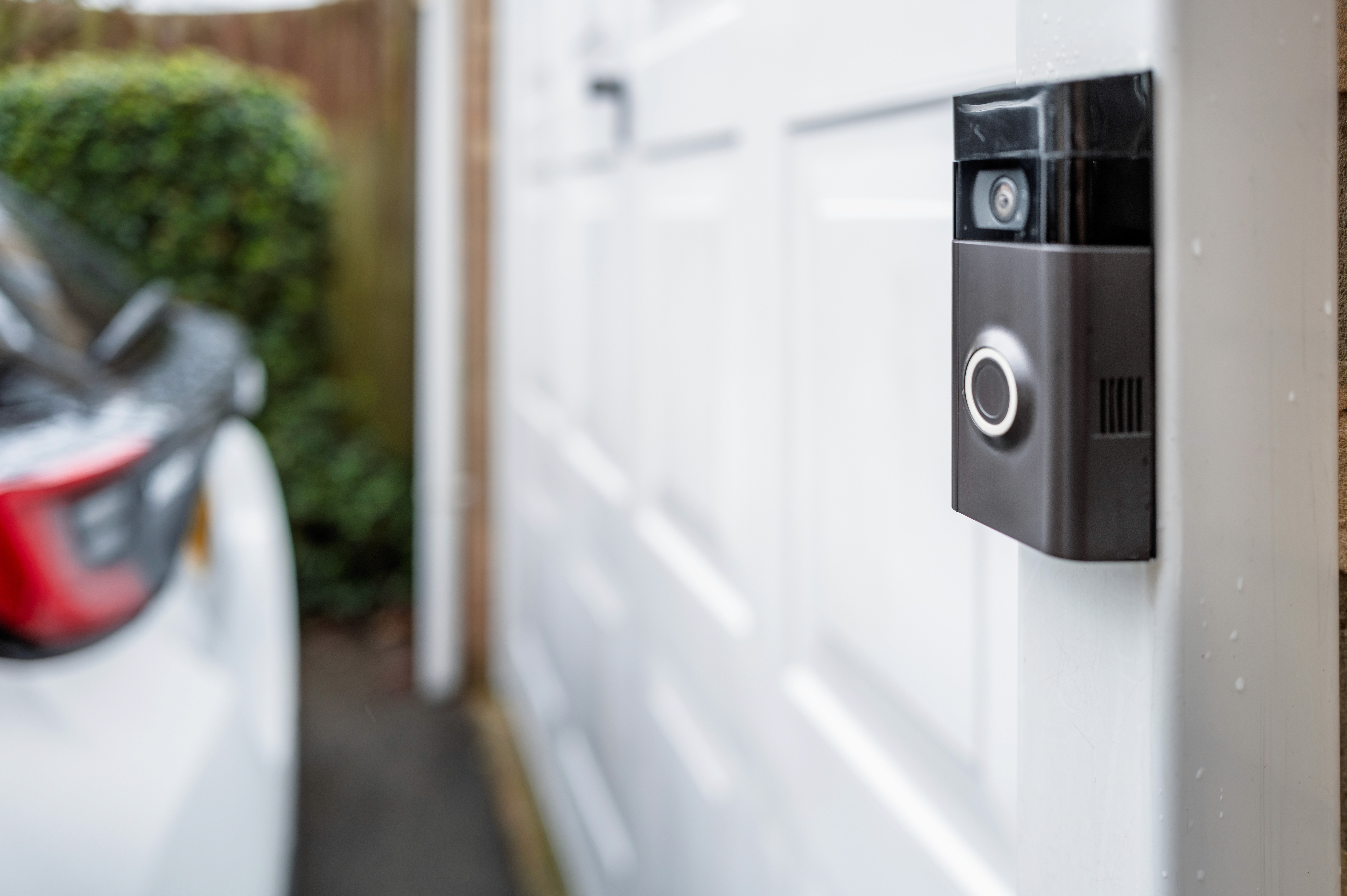
The [Ring Video Doorbell Pro] is a high-end wired doorbell camera ideal for monitoring your front entrance. It delivers vivid 1536p HD video day and night. Its advanced 3D motion detection can distinguish person vs. object and lets you set custom zones so you only get alerts when someone approaches your door. The built-in microphone and speaker allow live two-way talk, so you can answer the door from your phone. With features like Alexa Greetings and privacy zones, it integrates well into an Alexa-powered home and lets you control who sees and saves your video. This device suits homeowners who want top-notch image quality and robust features for their main entry. It’s best for a wired doorbell setup, ensuring constant power and maximum reliability.
Because it’s a wired model, the Ring Pro provides true continuous operation (no battery swapping). Its subscription plan adds cloud recording and advanced alerts, which is great if you want continuous video history. Families and busy people will like that they can screen visitors or even greet them when away. The Ring app on Android or iOS sends instant alerts when motion or a button press is detected, so the homeowner can check on real people or suspect packages immediately. Altogether, the Ring Pro offers total control and peace of mind over your porch area with a reputable brand and easy installation if you already have existing doorbell wiring.
Flexible 2K indoor/outdoor cam
2K HDR video with clear night vision
Weatherproof and rechargeable/battery powered
Person, vehicle, and animal alerts (with Nest Aware)
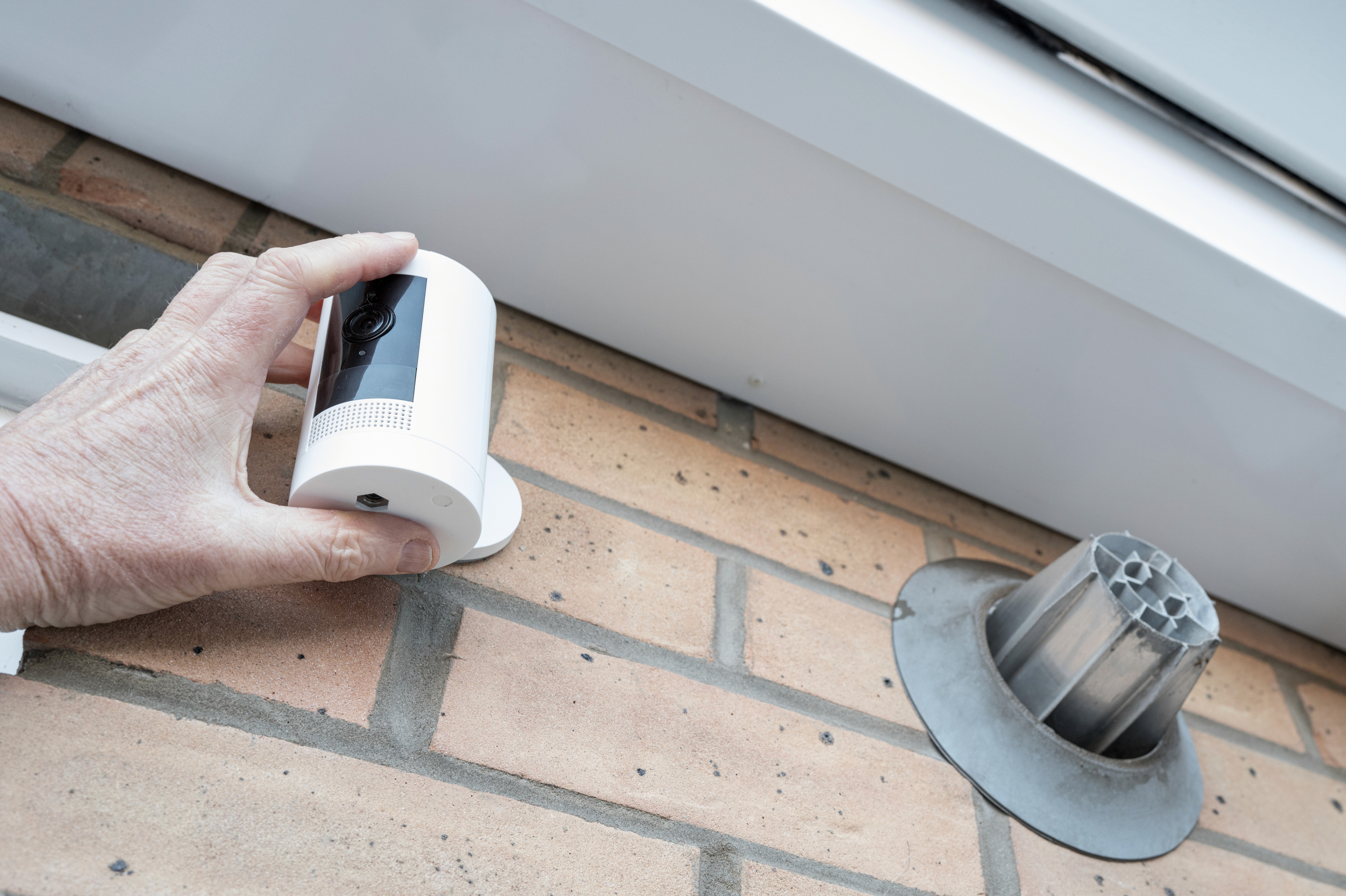
The [Google Nest Cam (Battery)] is a versatile camera that works both indoors and outdoors. It shoots crisp 2K HDR video, so you see more detail day or night. With its weatherproof housing and optional wired power kit, you can set it up in places without a nearby outlet. The Nest Cam has built-in two-way audio and motion-activated recording, and when paired with a Nest Aware subscription, it offers intelligent alerts for people, vehicles, packages, and pets. The video feeds appear in the Google Home app, which is seamless if you already have Google smart speakers or displays. This camera suits tech-savvy homeowners who want a wire-free solution and use Google’s ecosystem. Its rechargeable battery lasts for months on a charge (depending on use), and it’s easy to mount on a wall or put on a shelf indoors.
Users who want integration with Google Assistant will appreciate the Nest Cam, since it shows up on Nest Hubs or Chromecast displays. It’s great for entryways, yards, or even baby rooms – just keep it indoors if you use the magnetic stand accessory to plug it in. The activity alerts and 3-hour event video history (included with device) help keep tabs on important moments. In short, the Nest Cam (Battery) is for anyone who needs a high-quality, flexible camera with smart detection and doesn’t mind paying for advanced AI features via Google Home Premium.
Ultra-wide 4K wireless camera
4K HDR video and 180° field of view
Auto-zoom & tracking, color night vision
Motion-activated siren and smart alerts
The [Arlo Ultra (3rd Gen)] is a top-tier wireless camera known for its crystal-clear 4K footage. It has an ultra-wide field of view (180°), so one camera covers more ground. In low light, the built-in color spotlight lights up the scene, giving better night vision than ordinary IR cameras. Arlo’s smart tracking will automatically zoom and pan to follow a person walking across your yard. This camera also features a built-in mic and speaker for two-way talk, as well as a loud siren you can trigger remotely. It’s battery powered (rechargeable), making it easy to put up where you need it—ideal for outdoors or harder-to-reach indoor locations.
Customers choose the Arlo Ultra for its image quality and nighttime effectiveness. It’s well suited for homeowners who want the best video and don’t mind a bit of setup to maximize its potential. The Arlo app can record clips when motion is detected and send alerts. If you add an Arlo Secure subscription, you get person detection and free cloud storage. Its weather-resistant design means it stands up to rain or cold. In sum, the Arlo Ultra is for those who want an ultra-wide, ultra-clear view of their property, even in total darkness – at a premium price, but with premium performance.
Keyless entry and remote control
Built-in Wi-Fi (no bridge needed)
Auto-lock/unlock and virtual keys for guests
Existing keys still work as backup
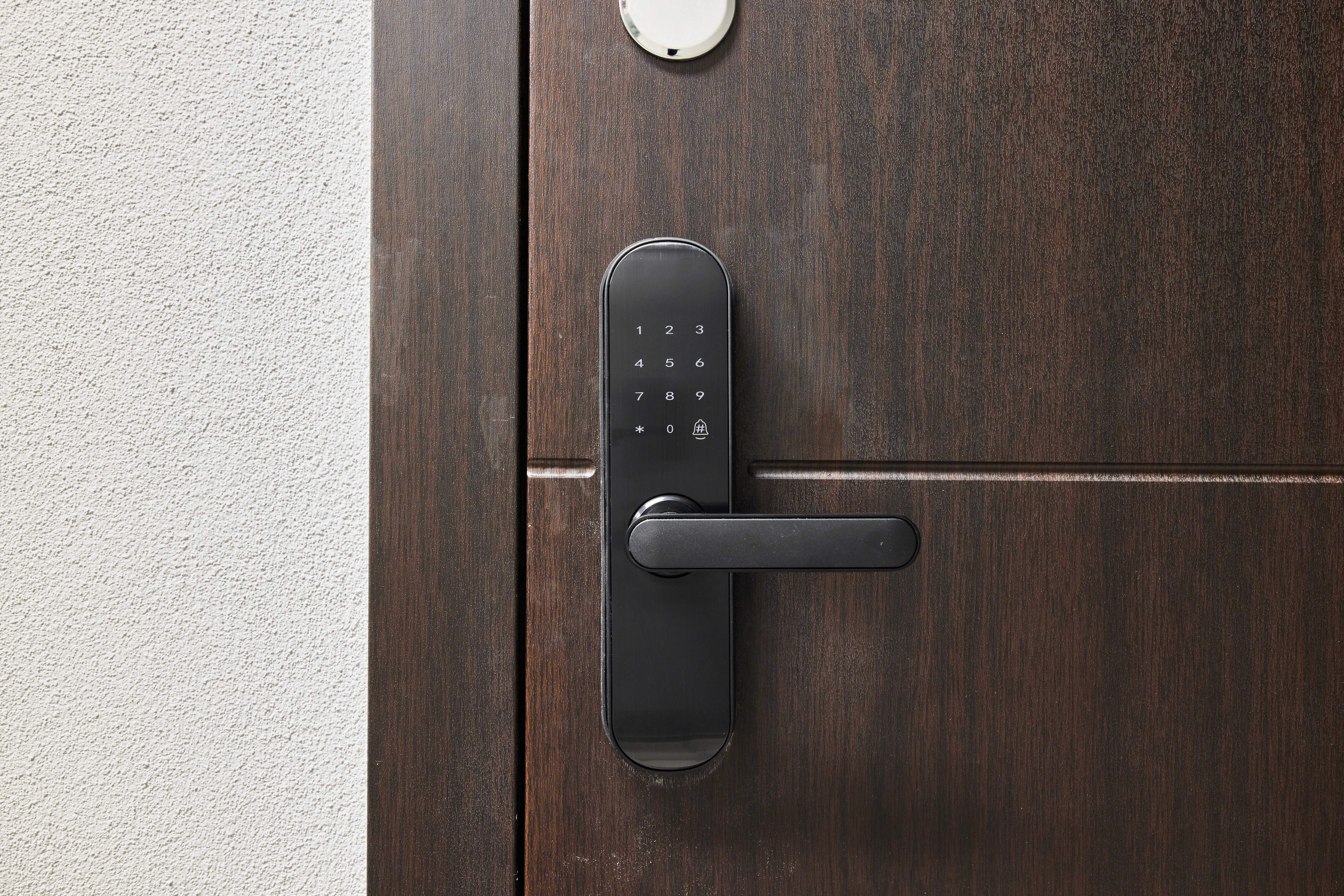
The [August Wi-Fi Smart Lock] replaces your deadbolt on the inside, letting you keep your existing keys outside. It attaches to most single-cylinder locks, making installation quick and non-permanent. Because it has built-in Wi-Fi, you can lock or unlock the door from anywhere via the August mobile app, without buying a separate bridge. You can also grant virtual keys to family and guests on a schedule (like dog walkers or cleaners) and even get alerts when the door is used. It works with Alexa, Google Assistant, Siri, and HomeKit (with a hub), so you can voice-control your lock. This lock is fingerprint- and key-code-ready (with optional keypad add-ons), making it great for families or anyone who often forgets keys.
People pick the August Smart Lock when they want secure, flexible home entry. It’s especially useful for those wanting to share access remotely without physically sharing a key. Renters and homeowners alike benefit: renters avoid drilling into their door and homeowners enjoy auto-unlock as their smartphone approaches. The lock also auto-locks behind you, ensuring your home stays secured. Users should note it requires battery changes (2 AA included, lasting months) and occasional app maintenance. Overall, this lock brings hotel-like keyless convenience and remote control to any standard lock.
DIY wireless alarm system
Easy-install camera kits with sensors and keypad
Optional 24/7 professional monitoring (no contract)
Compatible with Alexa, Google, and Ring
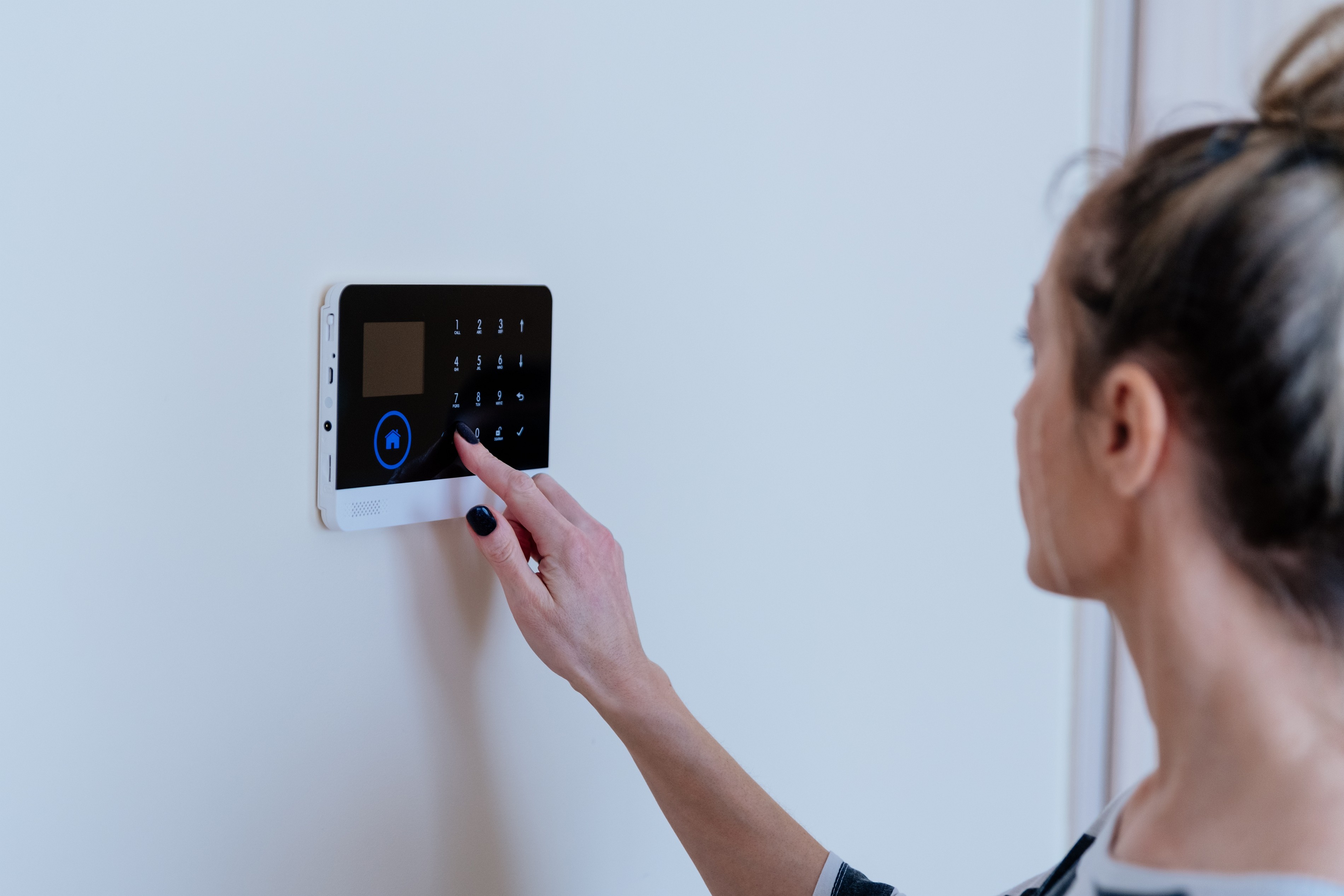
The [SimpliSafe Home Security] system is a customizable wireless alarm platform. You can choose a starter kit or build your own with as many sensors as you need: door/window sensors, motion detectors, entry alarms, glass-break sensors, smoke/CO monitors, and indoor and outdoor cameras. It’s fully DIY, so installation just takes mounting and plugging in devices. If you subscribe, SimpliSafe provides professional monitoring 24/7. They even offer an innovative service (Active Guard) where live agents can watch your AI-powered outdoor camera feed and intervene if they see an intruder. With or without monitoring, you get push notifications to your phone for any alarms or camera motion.
This system is best for those wanting a simple but robust security solution. It’s ideal for people who want more than just cameras – SimpliSafe covers fire and flood alerts too. The app lets you easily change alarm modes and monitor status. If you have multiple properties or travel often, SimpliSafe’s cellular backup ensures your system stays online. Its flexibility appeals to families and tech-savvy users who value self-reliance (it works on Wi-Fi and cellular backup, no landline needed) and scalability (add devices anytime). Overall, SimpliSafe delivers a modern alternative to old-school alarm companies, with no installation fee and plenty of add-ons to make your home safe.
Trusted 24/7 monitored system
Professional installation and monitoring
Range of cameras, sensors, and smart panels
Cellular backup and wireless alerts
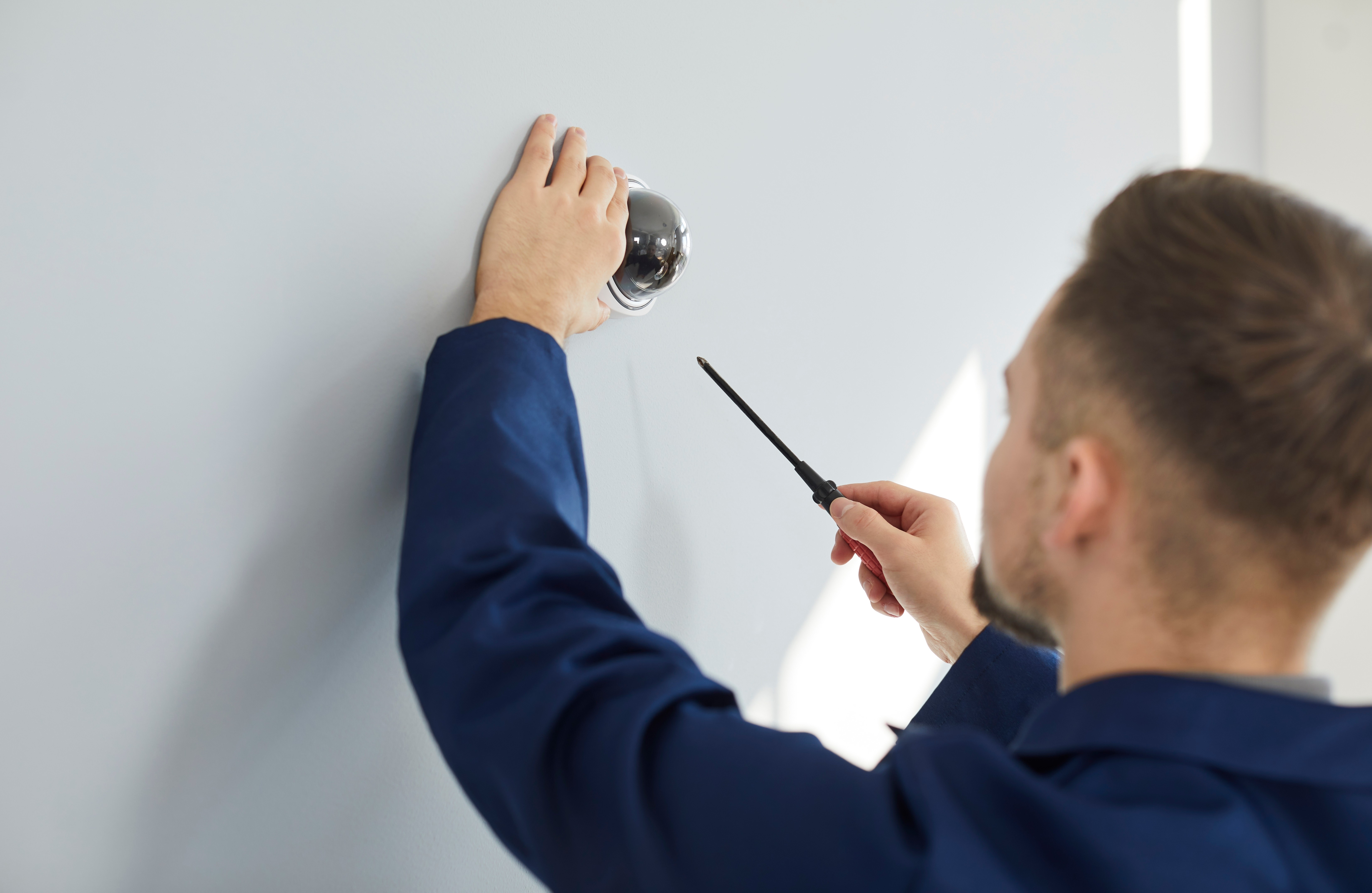
ADT is a veteran in home security, offering a fully monitored experience. When you sign up, ADT technicians can install sensors on all entry points, set up motion detectors, and link everything to a central hub. The ADT Command or ADT Plus systems can even integrate smoke/carbon monitors, smart thermostats, cameras, and video doorbells. Their control panels and mobile app let you arm or disarm easily. What sets ADT apart is the guaranteed professional monitoring: if any alarm goes off, their dispatch center calls you and, if needed, sends help (police, fire, EMS). It also has cellular backup so it works in outages. This setup is ideal for anyone who wants a trusted name, professional installation, and peace of mind from 24/7 oversight.
Families, older homeowners, and those with insurance incentives often choose ADT. With the ADT+ app, you see live camera feeds and receive alerts. Voice control with Google/Alexa and home automation features like routines are available too. Though it requires a monthly fee (and often a multi-year contract), many appreciate the reliability and quick response. In short, ADT Smart Home is for those who want top-tier monitoring and a full ecosystem of devices managed for them. It’s especially worth it if you’re away often or worry about emergencies when no one is home.
Budget-friendly indoor/outdoor camera
Up to 2.5K HD video resolution
IP65 weather-resistant design
Color night vision and 120° field of view
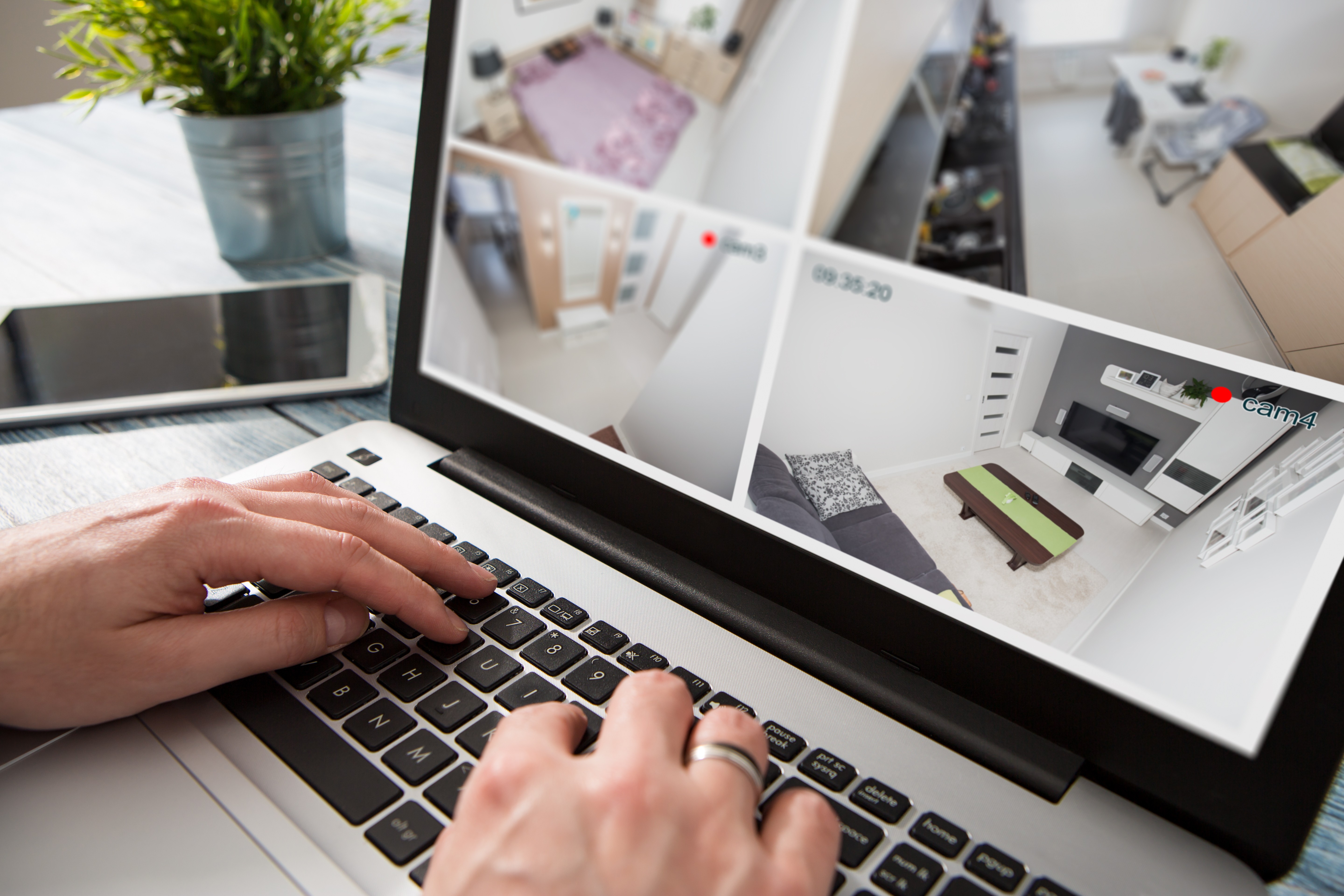
The [Wyze Cam v4] is a compact indoor/outdoor camera that packs a punch on a shoestring budget. It records up to 2.5K HD video, which is higher than many entry-level cameras. It’s weather-resistant, so you can screw it into a porch ceiling, hang it under leaves, or just place it on a shelf indoors. In the dark, its infrared LEDs let you see monochrome images, but its main selling point is full-color night vision if you add the optional outdoor bulb attachment (sold separately) or use white lighting. It has 2-way audio for talking through the app, and AI features (like person detection) that work with Wyze’s subscription service. For storage, it supports microSD cards and includes 14-day rolling cloud recording for free, which is rare at this price point.
This camera is ideal for anyone on a tight budget who still wants good quality video and flexibility. Small apartment dwellers, renters, or first-time buyers love how easy it is to install (just plug it in) and manage. It also integrates with Alexa or Google Home, so you can ask it to show live feed on smart displays. In summary, Wyze Cam v4 gives surprisingly high performance per dollar. If you just want reliable video monitoring indoors or out without spending much, it’s a great pick.
Wireless weatherproof camera
2K HD video (with Blink Plus Plan) and infrared night vision
Up to 2 years of battery life (2 AA batteries)
Two-way audio and motion detection alerts
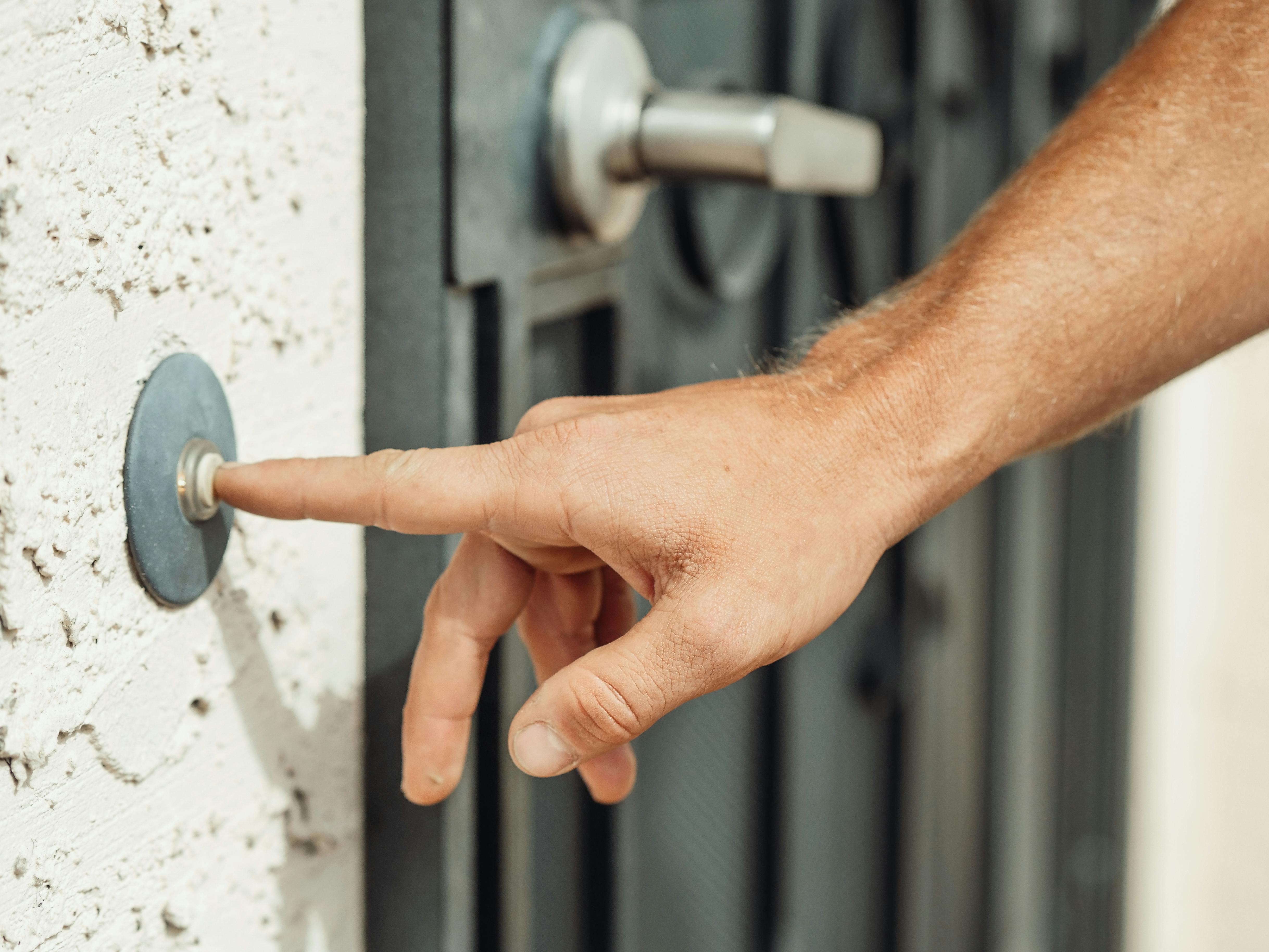
The [Blink Outdoor Camera] is a weatherproof, wireless security camera that comes from Amazon’s Blink line. Its plug-and-play design means you can mount it almost anywhere outside (or inside). It captures 1080p video (soon 2K+ with the new Outdoor 2K+ model) and has infrared LEDs for night vision. Its big advantage is battery life: two AA lithium batteries last about two years under typical use. The camera connects to a Sync Module that you plug into power; this module links multiple Blink cameras to your Wi-Fi. You get motion alerts on your phone, and you can arm/disarm the system via the app. It’s not the most feature-heavy (person detection needs a Blink Plus plan), but it’s extremely easy to set up and very flexible.
Blink is great for someone who wants to add cameras without wiring or high monthly fees. Since it runs on batteries, it’s perfect for areas without power outlets. It works with Alexa, so you can drop in on cameras with an Echo Show, for example. Small business owners or homeowners who need just a few cameras on a budget enjoy Blink’s simplicity and low cost. In short, Blink Outdoor is for those who want solid basic home monitoring and love the freedom of positioning cameras anywhere, without worrying about wiring or constant charging.
4K battery camera with solar option
365-day battery life with integrated solar panel
AI-powered detection (people, vehicles, pets)
No monthly fees (local encrypted storage on HomeBase)
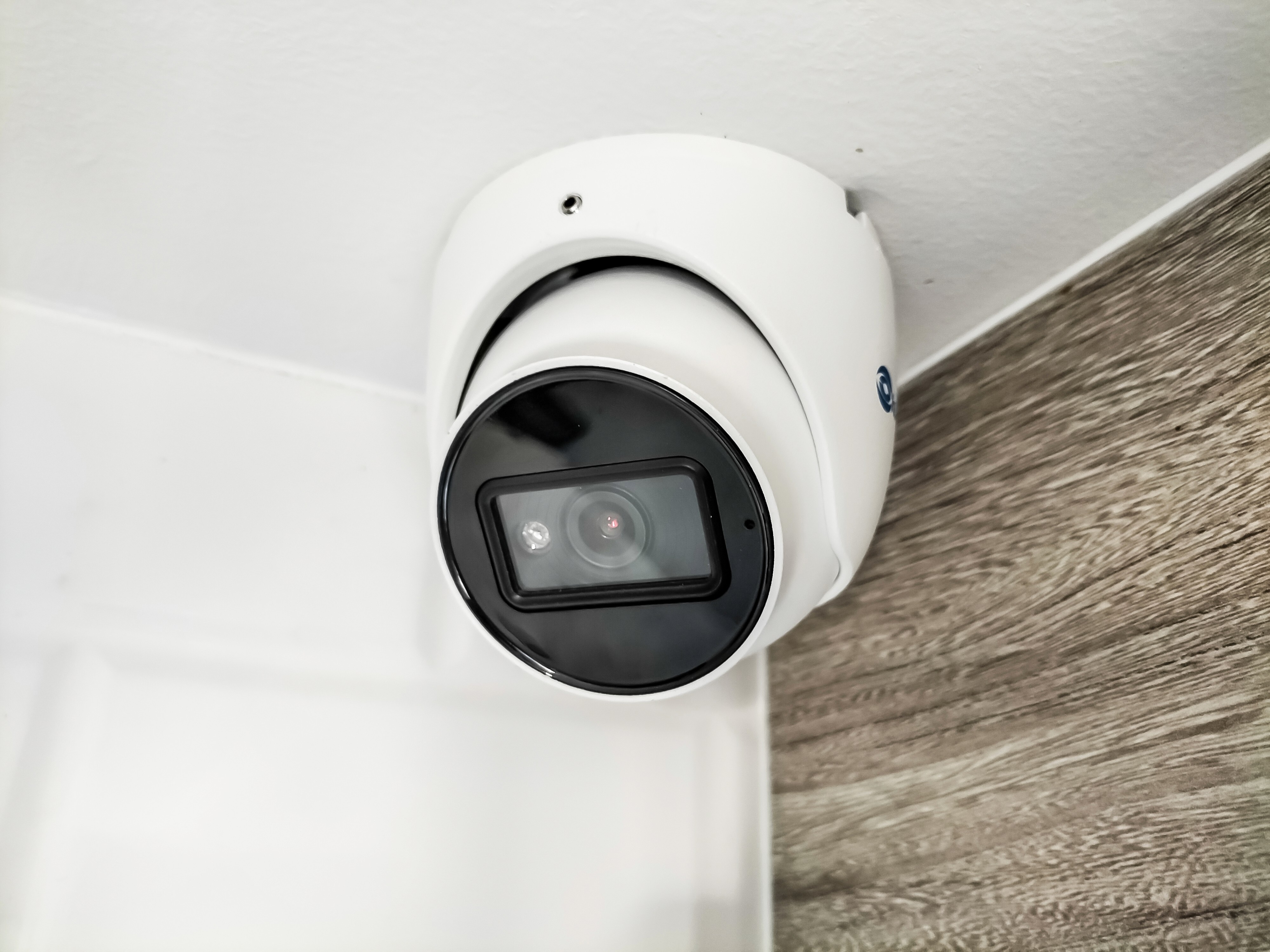
The [eufyCam 3] system provides a high-end wireless camera solution. Each camera shoots super-sharp 4K video with a wide 135° view, so you see everything clearly. What’s neat is its integrated solar panel design: if placed where it gets sunlight, it can run indefinitely without recharging. Otherwise, its battery alone lasts about a year. The eufyCam 3 has a built-in spotlight and siren to scare off intruders at night. Plus, it has advanced onboard AI (BionicMind) to recognize human faces and vehicles, cutting down false alarms. A HomeBase stores footage locally (16GB built-in plus microSD slot), so you own your recordings with no subscription.
This system is best for homeowners who want high resolution and don’t mind paying up front (these cameras are more expensive) in exchange for virtually no ongoing costs. It works well for large properties since you can cover a lot with fewer cameras. It also integrates with major smart home platforms. In summary, eufyCam 3 is a premium choice for the privacy-conscious user or anyone with tricky wiring needs – you get cutting-edge AI and video without monthly cloud fees.
Complete DIY alarm system
Includes hub, indoor camera, keypad, and sensors
24/7 monitoring (self or professional, no contract)
Built-in cellular backup and battery backup
The [Abode Security Kit] is an excellent starter home security system. The bundle includes a central gateway hub (with 4G and battery backup), a keypad, entry sensors, a motion sensor, and an HD camera. Installation is quick: pair each device in the app and stick it where you want. Abode stands out for its compatibility: it works with Apple HomeKit (so you can automate with other HomeKit devices), Alexa, Google Home, and it even supports Zigbee and Z-Wave sensors. You get instant smartphone alerts on all events. If you want it monitored, Abode offers an optional no-contract monitoring plan that can dispatch police or fire departments on your behalf.
Abode is perfect for DIY tech enthusiasts who want integration freedom. It allows expansion — you can add smoke detectors, more cameras, doorbells, and lighting later. The built-in cellular backup ensures your home is protected even if power or the internet goes out. For customers who like to tinker with smart home setups or switch devices around, Abode’s broad compatibility makes it very future-proof. In short, this kit is ideal for those who want a fully connected home security system they can manage themselves, with or without paying for 24/7 monitoring.
What Are Smart Home Security Devices and Why Should You Invest in Them?
Smart home security devices are internet-connected gadgets designed to protect your home. This includes cameras, door locks, sensors, alarms, and more. They often work together in an ecosystem, allowing you to monitor and control your home’s safety remotely through an app or voice assistant. The value of investing in these devices is the added layer of protection and convenience they provide. Smart cameras can record intruders in high-definition and send instant alerts to your phone. Smart locks let you lock doors for family or guests when you’re not there. Sensors on doors and windows can alert you the moment something opens unexpectedly.
Putting these devices in your home can deter crimes before they happen – for example, visible cameras are known to scare off burglars. They also help respond faster: smoke and CO detectors notify you instantly about fire hazards, even if you’re away. Over time, the cost of a break-in or unattended emergency can far exceed the modest investment in security gadgets. Studies note the average property loss in a burglary is in the thousands. Smart devices could help prevent that expense by stopping incidents early. In addition to safety, these tools can make life easier. For instance, a smart doorbell lets you see who’s at the door from your phone, whether you’re downstairs or miles away. Overall, smart home security devices turn your home into a vigilant guardian, saving you worry and potentially money in the long run.
Why Does Choosing the Right Smart Home Device Matter?
Not all smart security devices are created equal, so picking the right one is crucial. The “right” device depends on your specific needs and home setup. For example, if you live in an apartment, a simple indoor camera might be enough. But if you have a large house with a yard, you may want outdoor cameras and motion lights. Choosing a heavy-duty device for the wrong environment can lead to problems: for instance, an outdoor camera without weatherproofing will fail in rain, while a bulky door lock might not fit a vintage front door.
Compatibility also matters. A gadget that works with your existing smart home ecosystem (like Alexa, Google Home, or Apple HomeKit) will integrate more smoothly into daily routines. You should match devices to how tech-savvy you are. Some systems are truly plug-and-play and easy for beginners, while others offer deep customization for power users. Battery vs. wired operation is another consideration. Battery cameras give placement freedom but mean periodic recharging; wired ones run continuously but require installation.
Choosing carefully saves headaches. The right security device will actually be used and maintained. If it’s too complex, you might disable it; if it’s underpowered, it may not catch important events. For example, a doorbell camera with poor night vision won’t record the late-night courier, defeating its purpose. By evaluating factors like location, internet connection, and your own habits, you can select devices that reliably safeguard your home. A well-chosen smart device fits seamlessly into your life and provides the strong protection you need without causing inconvenience.
How to Choose the Best Option for Your Needs
Define Your Threats and Goals:
Identify what you need to protect against. Are you worried about porch thefts, package deliveries, or a complete home invasion? For example, if porch packages are often stolen in your area, prioritize a video doorbell with package detection. If fire safety is a concern, make smart smoke detectors a must-have. Listing your specific scenarios helps narrow down which devices address your top concerns.
Assess Your Home Layout:
Look at the areas you want covered. Houses with yards may need outdoor cameras and floodlight cameras, while apartments might focus on entryway sensors and indoor cameras. Count entry points (doors, windows) to decide how many door/window sensors or locks you need. Also check power and Wi-Fi availability: if outlets or Wi-Fi are scarce, look for battery-powered or cellular-backup devices. Thinking through your floor plan ensures you buy sufficient gear for complete coverage.
Consider Integration and Ecosystem
Decide if you want devices that work with a specific platform. If you use Alexa or Google, an ecosystem-aligned camera or lock can be voice-controlled. If you plan to connect many smart devices, choose a hub-based system (like SmartThings or Abode) or devices that support multiple protocols (Zigbee/Z-Wave). Integration matters because a well-connected system can do things like automatically turn on lights when motion is detected, or lock doors on a schedule. It also helps future-proof your setup so new devices can be added easily.
Balance Ease of Use and Features:
Determine how important advanced features are versus simplicity. Some users prefer minimal setup and pay for monitoring, while others like DIY and custom settings. For example, SimpliSafe is easy to set up with professional backup, while Abode offers more self-customization. Also think about app design: a cluttered app might frustrate you, so read reviews about each product’s usability. Check if the device needs a subscription for key functions. If you want full functionality without monthly fees, prioritize devices with local storage (like eufy or Wyze) or no hidden costs.
What to Pay Attention to Before Choosing
Privacy and Data Security
Smart devices connect to the internet, so ensure they use strong encryption and have good privacy practices. Research if the brand has had breaches. Check if videos are stored securely (encrypted cloud or local only). Avoid devices with known vulnerabilities or unclear privacy policies. It’s wise to enable two-factor authentication on any app. A device that keeps you safe from intruders but leaks personal data creates a different kind of risk. Choose reputable brands that regularly update their firmware.
Installation Requirements
Understand what installation entails. Some devices require professional help (like hardwiring an alarm panel), while others are DIY-friendly. Make sure you have the skill and tools, or a budget for a pro installer. Check whether door locks fit your door (most smart locks fit standard deadbolts). For cameras, verify if you have a spot near power or need extension cables. For example, floodlight cameras need a 4” round junction box if hardwired. If you rent, you may want a device you can easily remove (like stick-up sensors) rather than drills. Installation difficulty influences whether you’ll actually set it up correctly.
Subscription and Hidden Costs
Many smart security features (cloud storage, professional monitoring, AI detection) come with subscription fees. Compare the base cost versus the monthly charges. A cheap camera that requires a $6/mo cloud plan for motion alerts can end up more expensive. Some brands (like Arlo and Blink) have optional plans, while others (like Nest Aware) are subscription-only for advanced alerts. Also, check accessories: extra battery modules, replacement batteries, or a hub might be needed. Look out for any contracts or cancellation fees (especially with big companies). By accounting for the total cost of ownership, you avoid surprises.
Reliability and Support
Consider product reliability and customer service. Read reviews to see if devices perform well over time or if they have issues like frequent disconnects or false alerts. Battery cameras should hold charge as promised; locks should last on batteries; hubs should have backup. A good warranty or accessible customer support can save headaches later. Also, think about ecosystem longevity: a major company going bankrupt or discontinuing a product line can leave you stranded. Brands like First Alert or Schlage have long histories, which may make them safer bets. Prioritizing reliability ensures your security system isn’t down when you need it most.
Assess Your Needs: Decide what risks you want to mitigate (burglary, fire, etc.) and pick devices accordingly.
Match Your Home: Check your layout for camera coverage, sensors, or locks needed.
Check Compatibility: Ensure devices work with your smart home (Alexa, Google, HomeKit) for a seamless setup.
Compare Costs: Look beyond the sticker price — consider subscriptions, accessories, and installation fees.
Can I install smart security devices myself or do I need a professional?
Many smart devices are designed for DIY installation. Cameras typically plug in or run on batteries and mount with basic tools. Smart locks often fit over your existing deadbolt. However, some systems (like hardwired alarms) may need pro installation. Check instructions first. Most kits come with step-by-step guides, but professional help can ensure everything is configured correctly if you’re unsure.
Do smart security devices work without internet?
Are monthly fees required for these devices?
How do I ensure my smart devices stay secure and private?
What if power or Wi-Fi goes out? Will my system fail?