

The Best Fitness Apps for Every Goal: Make Working Out Easier, Smarter, and Fun

MyFitnessPal
Nutrient-tracking app for health goals
Massive food database for easy logging
Tracks calories, macros, and exercise
Connects to many fitness devices

Nike Training Club
Free full-body workouts
185+ workouts from yoga to HIIT
All fitness levels, sports, and goals covered
Premium training plans, now free for everyone
Strava
Social GPS tracker for cardio
Detailed GPS tracking for runs and rides
Large community and leaderboards
Syncs with many devices and fitness apps

Fitbit App
Activity and wellness hub
Turns your phone into a Fitbit tracker
Logs workouts, sleep, stress, and nutrition
Friendly leaderboards and community challenges

Zwift
Virtual cycling and running worlds
Immersive 3D courses with others
Structured training plans for all levels
Syncs with smart trainers and treadmills

Peloton App
Live and on-demand classes
Thousands of instructor-led workouts
15+ workout types (strength, yoga, cycling, etc.)
Real-time performance metrics and progress tracking

JEFIT
Gym workout organizer
1,400+ exercise library for weightlifting
Personalized workout plans and logging
Detailed rep, set, and strength-tracking charts
7 Minute Workout
Quick exercise routines
Dozen+ short HIIT workouts daily
No equipment needed (use household items)
Customize and share your own routines

Runkeeper
GPS running app
Track runs, walks, and hikes in real-time
Adaptive training plans for speed and endurance
Integration with music apps and wearables

Zombies, Run!
Game-based running motivation
Story-driven audio missions with zombie chases
Challenging interval workouts to speed you up
Earn supplies and rebuild your base by running
MyFitnessPal
Nutrient-tracking app for health goals
Massive food database for easy logging
Tracks calories, macros, and exercise
Connects to many fitness devices

MyFitnessPal is a leading nutrition and fitness tracker. It boasts “one of the largest food databases” (over 14 million items) for easy meal logging. You can log calories, macros (carbs, protein, fat), and add exercises to see daily progress. The app also connects with over 50 devices and fitness apps, so you can import workouts from your tracker or smartwatch. MyFitnessPal provides charts of your weight and nutrition trends, plus healthy recipes to keep meals interesting.
This app is best if you want to lose weight or eat healthier. By keeping a food diary and setting calorie goals, you become more mindful of eating habits. It’s a great choice for dieters or anyone who needs to monitor nutrition and portion sizes. Even without a dedicated device, MyFitnessPal turns your phone into a powerful nutrition coach, helping you achieve goals like weight loss, muscle gain, or simply balanced eating.
Free full-body workouts
185+ workouts from yoga to HIIT
All fitness levels, sports, and goals covered
Premium training plans, now free for everyone
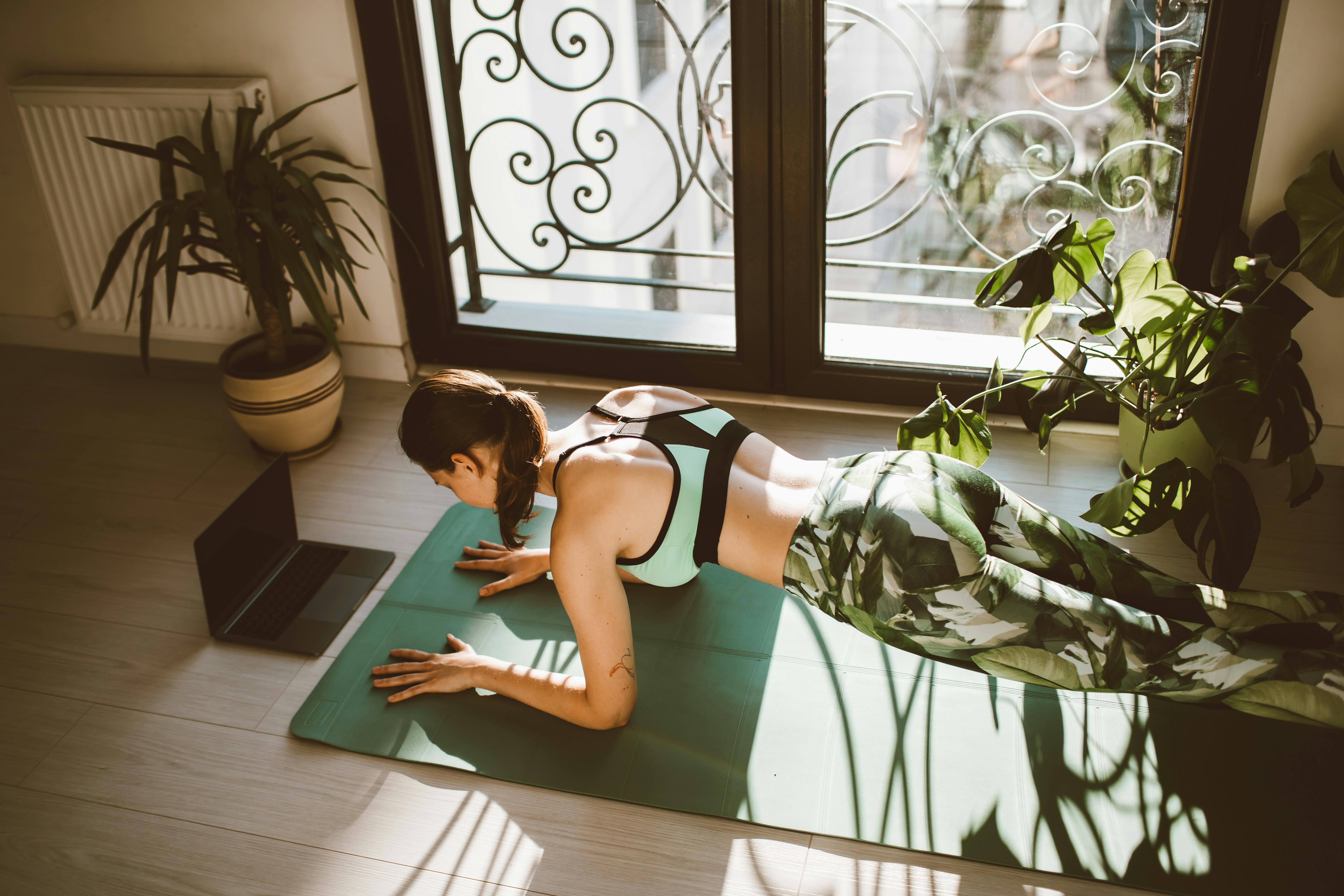
Nike Training Club (NTC) is a free workout app offering a huge variety of classes. It includes over 185 workouts and training programs, covering everything from bodyweight sessions and yoga to strength training, cardio, boxing, and endurance. The app provides instructor-led video workouts of varying lengths (15–60 minutes) and difficulty levels. NTC even made its premium content free: you get expert tips on fitness and nutrition alongside the workouts.
NTC is great for general fitness and variety. It’s ideal if you prefer a guided class experience or want to try different workout styles. Athletes of any level can find something here, from short sessions on busy days to full training programs. Because all content is free, it’s perfect if you want studio-quality workouts without a subscription. You can even do workouts at home with minimal equipment or at the gym following the Nike gym plans.
Social GPS tracker for cardio
Detailed GPS tracking for runs and rides
Large community and leaderboards
Syncs with many devices and fitness apps

Strava is a fitness network built around running, cycling, and other outdoor sports. It uses your phone or GPS device to accurately track distance, pace, elevation, and route on a map. What sets Strava apart is its community: you can follow friends, join challenges, and compare times on popular routes (segments). This social feed and leaderboard encourage you to improve and stay motivated.
Strava is best for endurance athletes and those who love data. It’s great if you do a lot of outdoor cardio (running, biking, hiking) or if you like competing with friends. The app even provides structured training plans for subscribers. Overall, Strava shines for serious training – as one reviewer notes, advanced users and multi-sport athletes benefit most. If you’re training for a race or simply enjoy detailed workout stats and global races, Strava helps you push further with its rich analytics and support.
Activity and wellness hub
Turns your phone into a Fitbit tracker
Logs workouts, sleep, stress, and nutrition
Friendly leaderboards and community challenges
The Fitbit App works with or without a Fitbit device. It turns your phone into a basic fitness tracker that logs steps, workouts, and even sleeping patterns. In the app you can manually record exercises (gym sessions, pool workouts, etc.) and log meals. It provides cardio fitness scores, body mass index (BMI), and weight tracking. The free version includes audio and video workout guides, as well as stress-management tools and reminders.
The strength of the Fitbit App is its holistic view of health. Use it if you want an all-in-one wellness tool: it covers daily activity, sleep tracking, heart rate, and nutrition. Even if you don’t own a Fitbit wearable, the app can still count basic activity and connect to popular services. Fitbit’s social features (friends, groups, social media sharing) make workouts social and fun. In short, it’s great for beginners or casual users who want a single app for activity, wellness, and friendly competition.
Virtual cycling and running worlds
Immersive 3D courses with others
Structured training plans for all levels
Syncs with smart trainers and treadmills

Zwift is a unique fitness app for indoor training. Connect a smart bike trainer, treadmill, or foot pod to Zwift, and you “ride” or “run” through virtual courses with others worldwide. It offers over 100 routes in exotic environments (mountains, cities, etc.), making indoor workouts engaging. Zwift also hosts live group rides and races all day, which can motivate you to push harder.
Zwift is ideal if you love cycling or jogging indoors. Serious cyclists or triathletes will benefit from its structured training plans and data analysis (power zones, heart rate, etc.). Casual exercisers enjoy Zwift’s game-like elements (earning points, leveling up, unlocking virtual bikes). The app can even sync results to Strava, so all your training counts. In essence, Zwift makes indoor workouts fun and social, helping you stay consistent when outdoor training isn’t possible.
Live and on-demand classes
Thousands of instructor-led workouts
15+ workout types (strength, yoga, cycling, etc.)
Real-time performance metrics and progress tracking
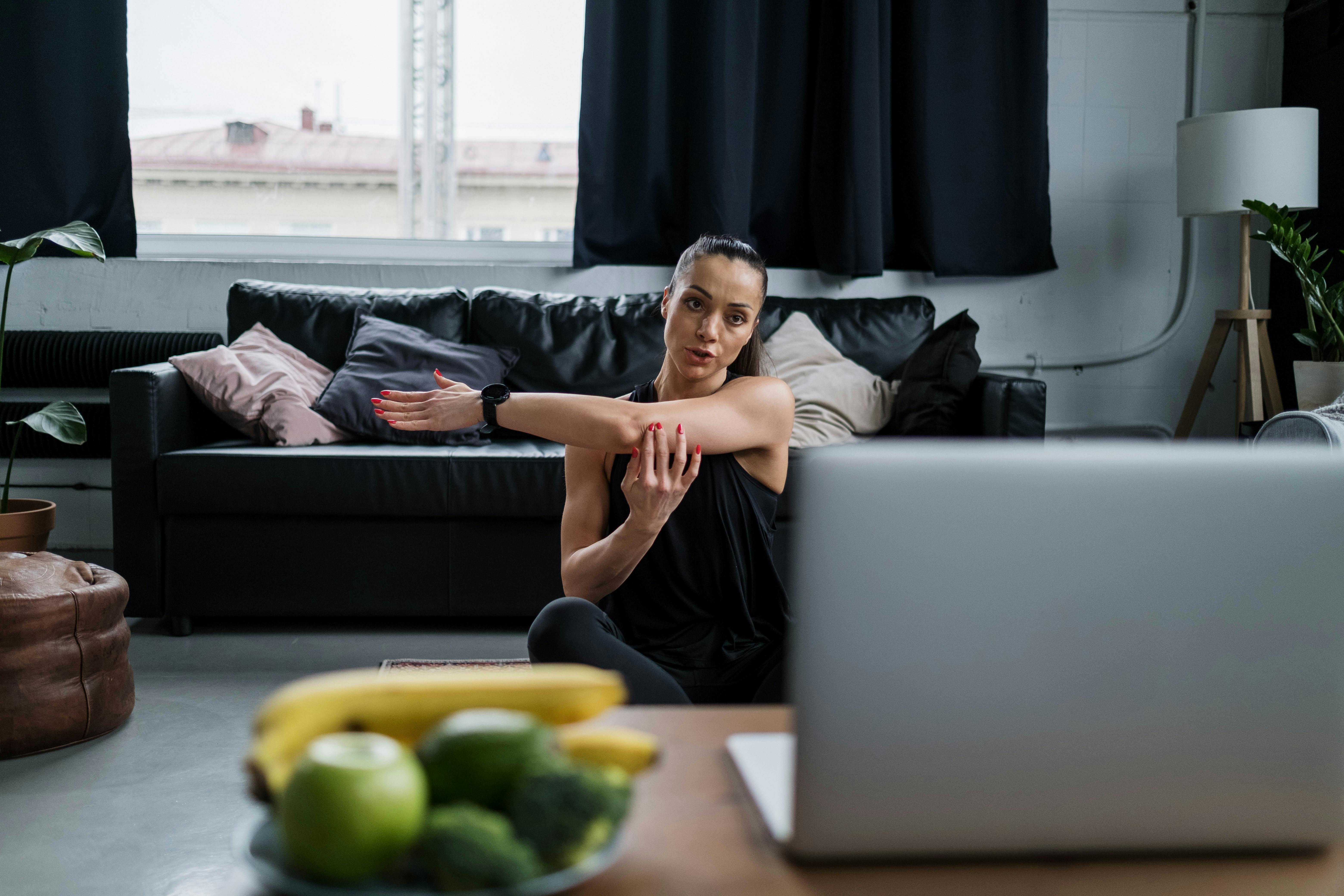
The Peloton App brings studio workouts to your device. It offers thousands of classes (5–90 minutes each) led by expert instructors across more than 15 categories (strength training, yoga, Pilates, running, cycling, etc.). During a session, you see real-time stats (heart rate, calories, cadence) and your progress. Peloton also has community features: earn points in their Club system and join teams for extra motivation.
Peloton is great for people who thrive on guided classes. If you enjoy high-energy studio workouts or need a trainer’s motivation, Peloton has something for you. You don’t need Peloton hardware to use it — you can do bodyweight classes or use your own equipment (like any bike or treadmill with the App+ subscription). The app keeps your routine fresh by adding new classes regularly. In short, it’s perfect for someone who wants an all-in-one fitness platform with professional coaching and lots of variety.
Gym workout organizer
1,400+ exercise library for weightlifting
Personalized workout plans and logging
Detailed rep, set, and strength-tracking charts
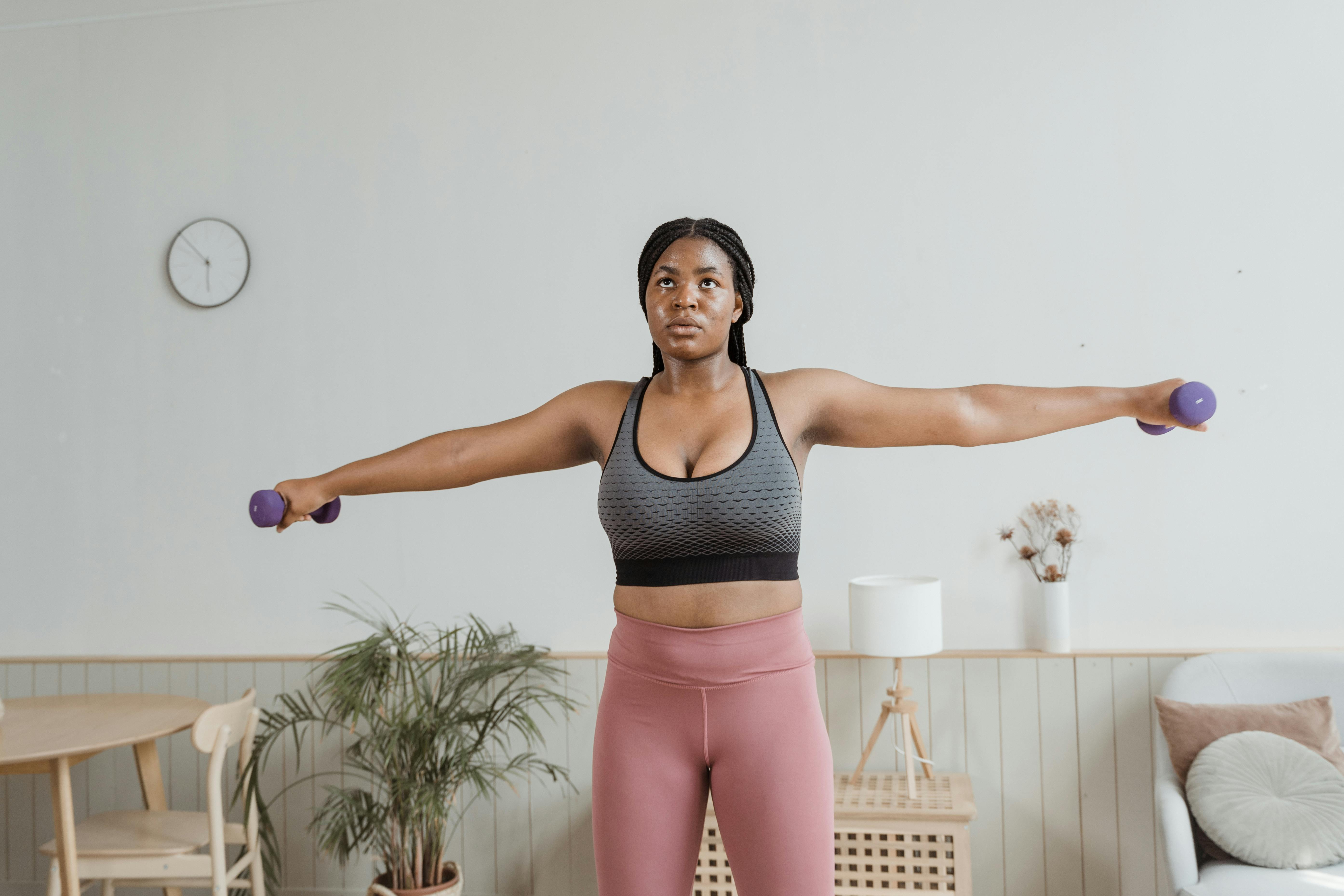
JEFIT is a workout planner designed for strength training. You can browse a library of over 1,400 exercises, then assemble custom routines (including weights, sets, reps, rest times). The app logs all your workouts and automatically charts progress (like your one-rep max over time). It also offers thousands of expert-designed plans that you can follow or adapt.
This app is ideal for gym-goers and bodybuilders. If you lift weights, JEFIT helps you structure and record every session so you see gains. Beginners can use the premade plans, while advanced users can tweak programs and track detailed stats. As one review notes, JEFIT is like “having a personal trainer in your pocket” for weightlifting, perfect for anyone who loves data and wants to optimize gym workouts.
GPS running app
Track runs, walks, and hikes in real-time
Adaptive training plans for speed and endurance
Integration with music apps and wearables
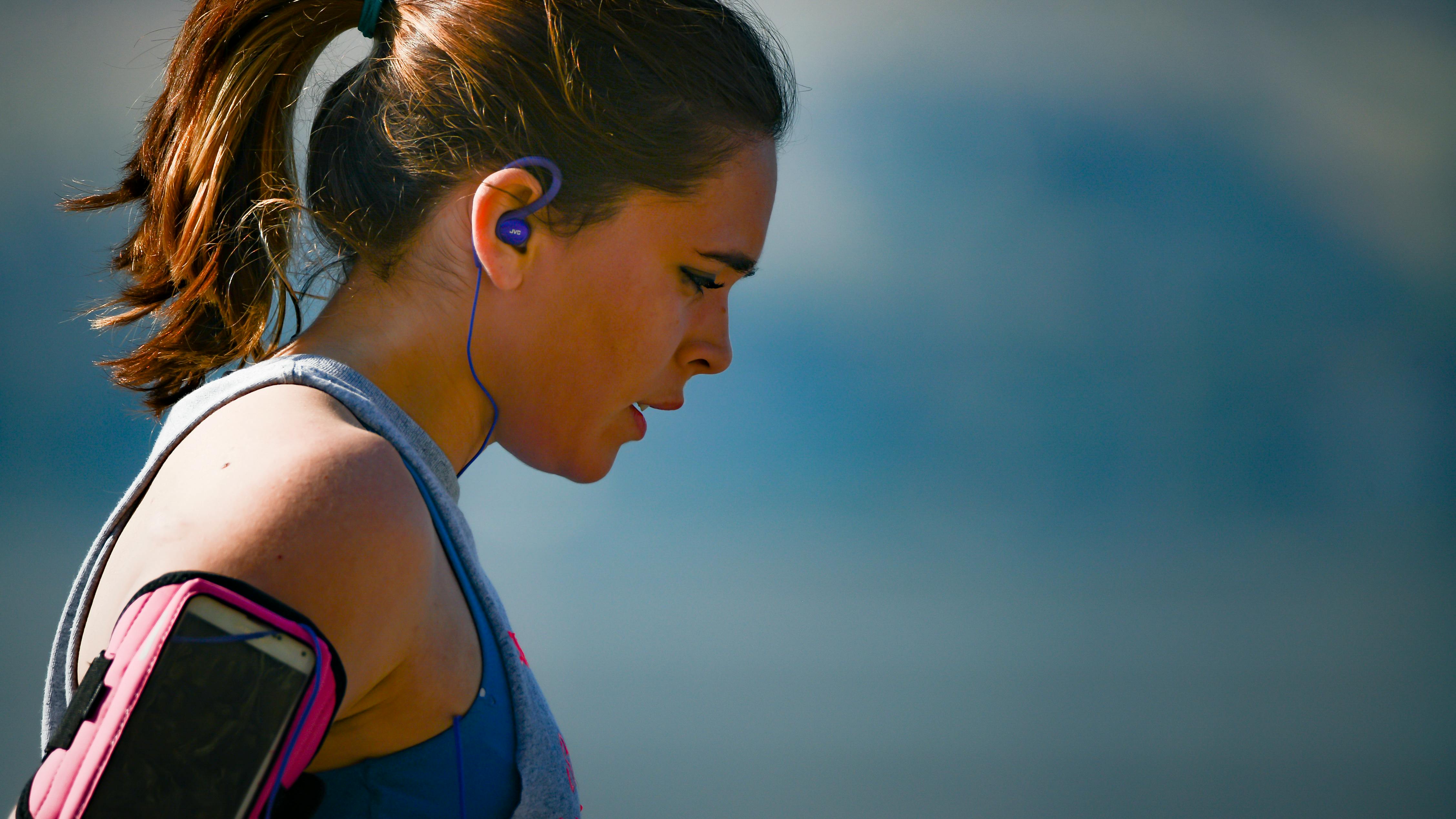
Runkeeper is a popular app for runners of all levels. It uses your phone’s GPS to map activities, showing pace, distance, and calories as you go. You can set goals (like target race time or weight loss) and follow personalized training plans. The app also integrates with Spotify and other music services so you can listen to music during a run.
Runkeeper is great for anyone from couch-to-5K beginners to marathon veterans. If you want to improve your speed or distance, its coaching plans will guide you week by week. It also allows you to join challenges and share milestones, which can keep you accountable. As one review notes, it’s “one of the best” for tracking routes and providing training advice. In short, Runkeeper is a solid choice if outdoor running is your main sport and you want simple guidance and tracking.
Quick exercise routines
Dozen+ short HIIT workouts daily
No equipment needed (use household items)
Customize and share your own routines

The 7 Minute Workout app focuses on quick, high-intensity workouts. It offers more than 10 preset routines (including 7-minute classic, cardio, core, and Pilates) that you can do anywhere. Each routine is designed to give a full workout in under 10 minutes, using only bodyweight or common household items (no special equipment). You can also mix and match exercises to make your own custom circuits.
This app is ideal if you have very limited time or are just starting out. Busy people can squeeze in a workout on a tight schedule. Its simplicity makes it beginner-friendly (easy to follow voice and video guides) and scalable (add repeats or variations as you get fitter). Upgrading to Pro unlocks more routines and customization, but even the free version helps you build a daily exercise habit.
Game-based running motivation
Story-driven audio missions with zombie chases
Challenging interval workouts to speed you up
Earn supplies and rebuild your base by running

Zombies, Run! turns running into a story-driven game. As you run, you hear a thrilling post-apocalyptic tale where you must escape zombie hordes and collect supplies. The app uses your phone’s GPS to measure speed and distance. When zombies “chase” you during the story, you naturally speed up your pace. Each mission plays out over a typical workout length.
This app is best if you need extra fun and motivation to run. Even a regular jog becomes exciting when you’re on a mission to help your survivors’ colony. Lifewire describes it as a “fitness game” that makes running purposeful and entertaining. It’s especially useful for those who find running tedious – with Zombies, you focus on the adventure, and the exercise just happens. Over time, you can unlock over 400 story missions (with a subscription) to keep things fresh and challenging.
What Are Fitness Apps and Why Should You Consider Trying Them?
Fitness apps are mobile applications designed to help you exercise and track health metrics. They often include workout guides, calorie counters, and progress logs to keep you accountable. By centralizing exercise routines and nutrition plans in one place, these apps save time on planning and can replace costly trainers – they are “convenient and more affordable than an in-person gym membership,” helping you stick to your routine. In addition to convenience, fitness apps leverage motivation techniques like gamification, reminders, and community support to help you set and reach goals. In fact, one survey found 91% of users felt more fit after using workout apps. Over time, investing in a good fitness app can help you build healthy habits, improve long-term fitness, and even boost confidence and well-being.
Choosing the right fitness app is important. The right app will help you stay motivated, build healthy habits, and keep workouts fresh. For example, an app that aligns with your goal (strength, running, weight loss) will offer relevant exercises, whereas a poor match may leave you frustrated. Good apps offer expert guidance and feedback; as noted, a well-designed fitness app can be “a great tool for keeping you consistent with your workout routine”. By contrast, an ill-suited app can waste effort or even lead to injury if the workouts don’t fit your level. In short, picking the right app (and then using it regularly) makes the difference between wasted effort and real results.
How to Choose the Best Option for Your Needs
Clarify Your Goals
Identify your primary fitness objective (lose weight, build strength, run a race, etc.). Your goals dictate which app is best. If you want to improve endurance, choose an app focused on running or cardio coaching. For weightlifting gains, pick an app with a strong workout log. As Centr advises, clarifying your goals “ensures you choose an app with features and programs tailored to your needs”.
Evaluate Features & Content
Look for features that match your goal. Does the app offer the workout style you like (e.g. HIIT, yoga, cycling)? Check if it has guided training plans, video demos, or nutritional advice. Great apps “provide workouts aligned to your personal fitness objectives” and offer variety for all levels. Also note whether workouts fit your preferences (length, format, equipment needed).
Check Device & Equipment Compatibility
Ensure the app works on your platform (iOS, Android, smartwatch) and with any equipment you have. For instance, Zwift requires a smart trainer or treadmill, while Nike Training Club and 7 Minute Workout use just your phone. If you own fitness gadgets (heart-rate strap, Garmin watch, etc.), make sure the app can connect to them. The best apps “should cater to all levels and any setting” – whether you’re at home or in a gym.
Consider Budget & Subscriptions
Decide what you’re willing to spend. Some apps are completely free (e.g. Nike Training Club), while others have premium content. Factor in recurring costs. Centr suggests weighing free trials against paid plans, noting that premium apps often include expert coaching and recipes. Remember, even small subscriptions can be worth it if the app delivers quality workouts and guidance.
Try Free Trials & Read Reviews.
Before committing, take advantage of trials and read user reviews. Many apps offer a free trial so you can test the interface and workouts first-hand. Check reviews on app stores or reputable sites for feedback on ease of use, workout quality, and support. Real user experiences can highlight strengths or problems (like bugs or hidden costs) before you invest time and money. By researching and testing, you can confidently pick the app that feels right for you.
What to Pay Attention to Before Choosing
Workout Quality and Instruction
Examine the app’s exercise demos and instructions. High-quality apps have clear, professional videos and tips on proper form. Poor audio/video can slow you down or confuse. Make sure the workouts are varied (not just the same routine each time) so you don’t get bored. For example, an app might have lots of treadmill runs but no strength options – ensure it covers all categories you’ll want (strength, cardio, flexibility, etc.) so you can meet your goals.
Personalization and Feedback
See if the app adapts to your level. Can you enter your current fitness level or goals? Good apps adjust workout intensity or progression based on your input. Some will re-calculate weekly plans if you miss days or ramp up difficulty over time. Also, check what feedback you get: apps that chart your progress (weight lifted, fastest pace, longest run) can motivate you to improve. Features like heart-rate integration or a “relative effort” metric (like in Strava) can help guide your training safely.
Cost and Privacy
Look at the pricing model carefully. Are there hidden fees or is it a one-time purchase vs. subscription? Check if workouts or recipes are behind a paywall. If budgeting matters, free features may be enough. Also review privacy policies: fitness apps collect health data, so confirm how they use or share your info. If sensitive data bothers you, choose apps with good privacy practices. Remember also any extra costs – some apps may require hardware (like Zwift’s trainer) or charge for in-app workouts.
Compatibility and Support
Ensure the app is regularly updated and works well with your other tech. Does it sync with platforms you use (Apple Health, Google Fit, Garmin Connect)? Reliable apps often have customer support or forums to answer questions. Check if the developers release new workouts or fix bugs frequently. Finally, look at device compatibility: make sure it doesn’t drain your battery or require the latest phone OS if you have older devices. All these factors add up to a smoother, safer experience.
Your Quick Recap
Match Your Goal: Pick an app built for your main focus (e.g. running, weight training, nutrition).
Essential Features: Ensure it offers the workouts, tracking, and support you need (like GPS, meal logging, or classes).
Check Compatibility: Make sure it works on your device and with any equipment (or none) you plan to use.
Budget & Trials: Compare pricing and take free trials. Read reviews to avoid surprises.
Stay Committed: Even the best app only helps if you use it regularly. Be consistent with your workouts and tracking.
What exactly is a fitness app?
A fitness app is a mobile application designed to guide your exercise and health activities. It may include workout programs, exercise videos, running routes, calorie or nutrition tracking, and progress logs. Essentially, it turns your phone (or tablet) into a workout tool, offering coaching, timers, or tracking for your workouts and diet.
How do I choose the right fitness app?
Do I need special equipment to use these apps?
Are these apps really effective?
Do I have to pay for these apps?